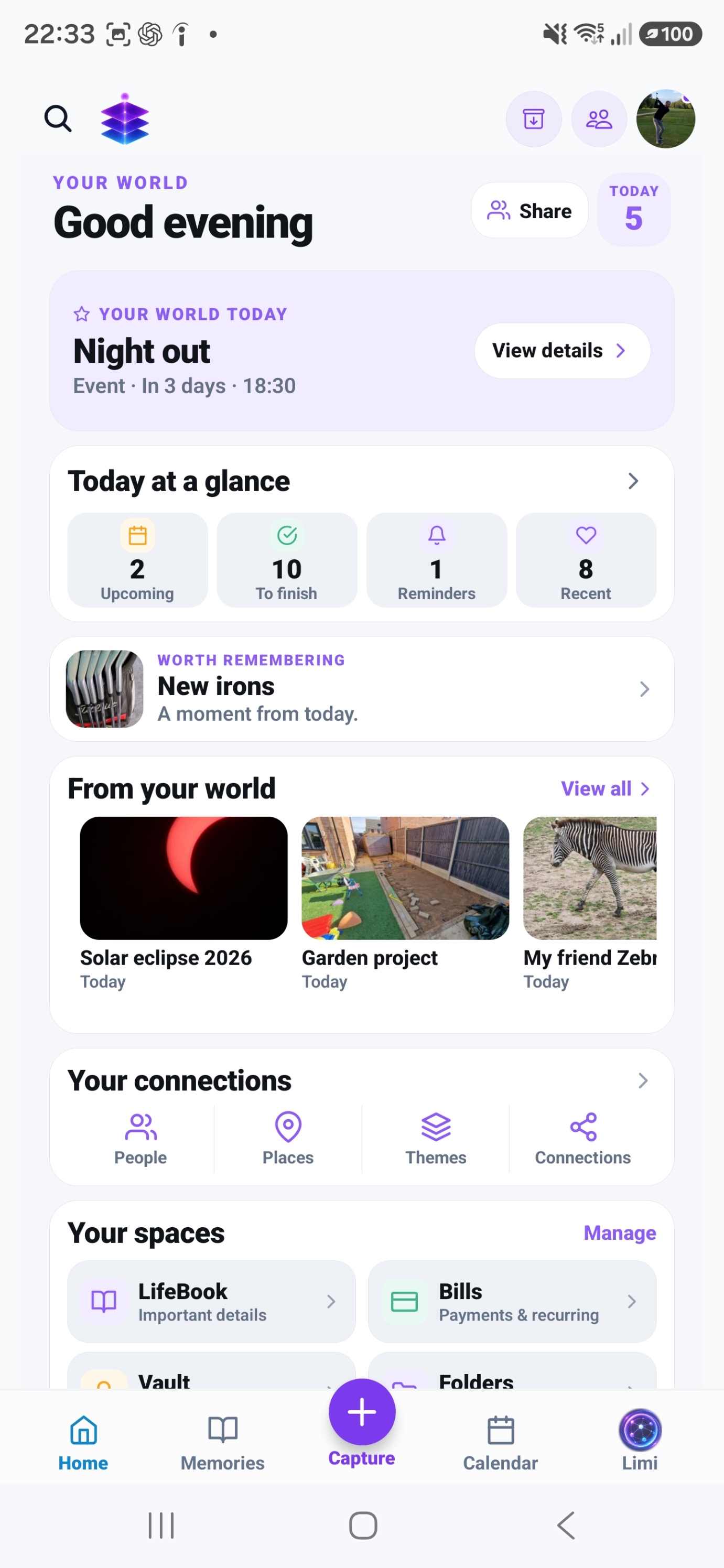
Find likely clutter
Scan for cleanup suggestions, then inspect the results before choosing what to remove.
STORAGE CLEANER
See likely clutter with Storage Cleaner. Plus unlocks premium cleanup actions; use Quick Cleanup and Swipe Review to decide what stays.
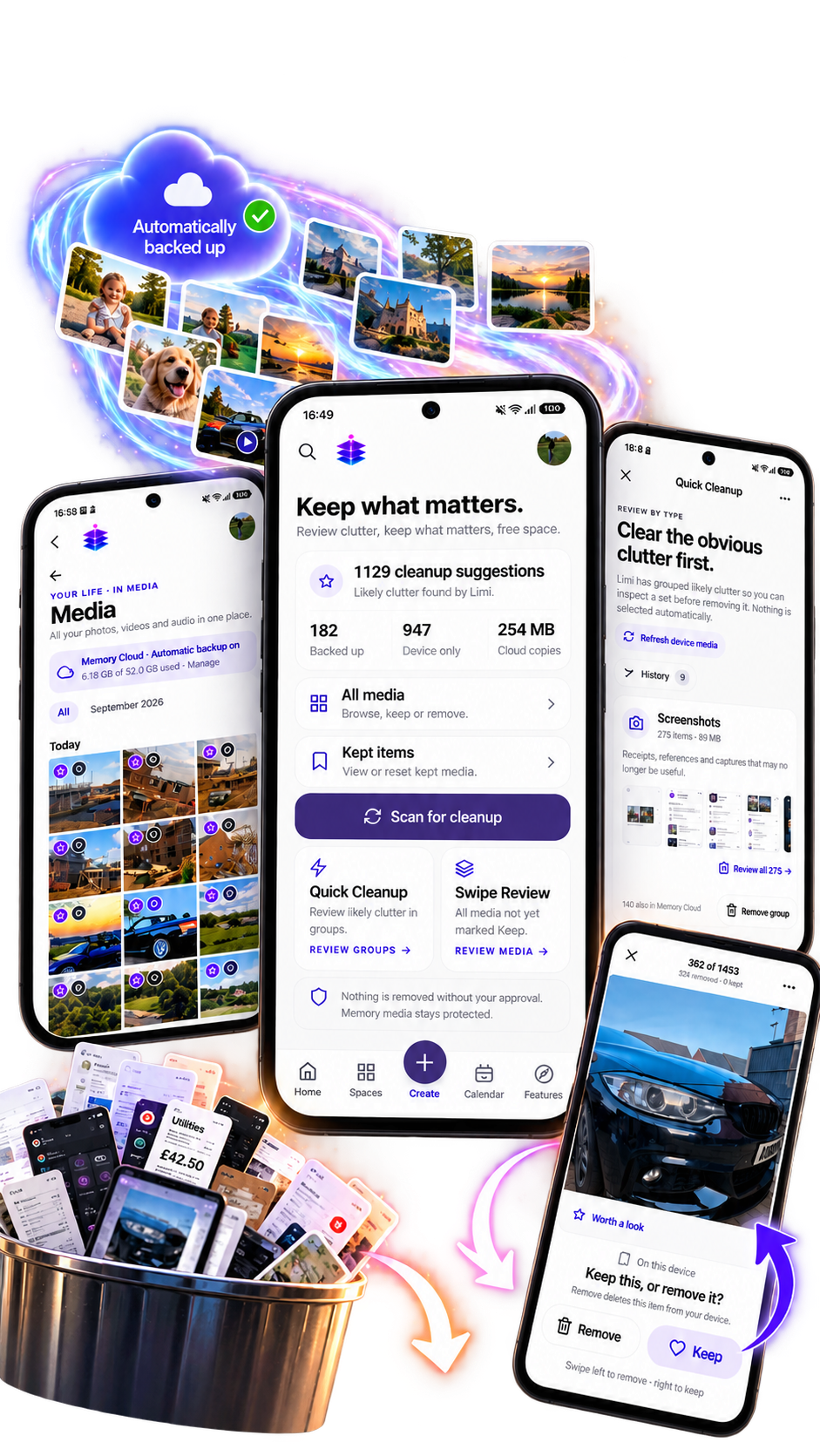
Your phone holds meaningful moments alongside screenshots and everyday clutter. Storage Cleaner helps you review the things you no longer need while keeping the decision in your hands.
Scan for cleanup suggestions, then inspect the results before choosing what to remove.
Start with groups such as screenshots. Review a group of likely clutter together, without selecting items automatically.
Work through media that has not yet been marked Keep. Swipe left to remove or right to keep, and review each item on its own merits.
See backed-up and device-only media counts alongside cloud copies. Memory Cloud and automatic backup are separate from the decision to remove device media.
HOW IT WORKS
Open Storage Cleaner and scan your media for likely clutter.
Use Quick Cleanup to inspect groups, or Swipe Review to work through individual items.
Keep the things you want. Nothing is removed without your approval; check the item and its backup status before removing it from your device.
Storage Cleaner can show genuine analysis and suggestions in Free. Premium cleanup actions require Memory Temple+. Automatic photo and video backup and Memory Cloud are available in both plans.
See plans and pricing →Free can show Storage Cleaner analysis and suggestions. Premium cleanup actions require Plus. Memory Cloud and automatic backup are included in Free.
No. Cleanup suggestions are for review, and nothing is removed without your approval.
Quick Cleanup helps you inspect likely clutter in groups. Swipe Review lets you review individual media items that have not yet been marked Keep.
The removal action shown in Swipe Review deletes the item from your device. Review the backup status before removing anything: device-only media does not have a backed-up copy.
Exploring your options? Compare Memory Temple with other apps →
EXPLORE MEMORY TEMPLE
Allow optional analytics to count page views and Google Play clicks. We use PostHog, without recording your screen or identifying you by name. About website analytics