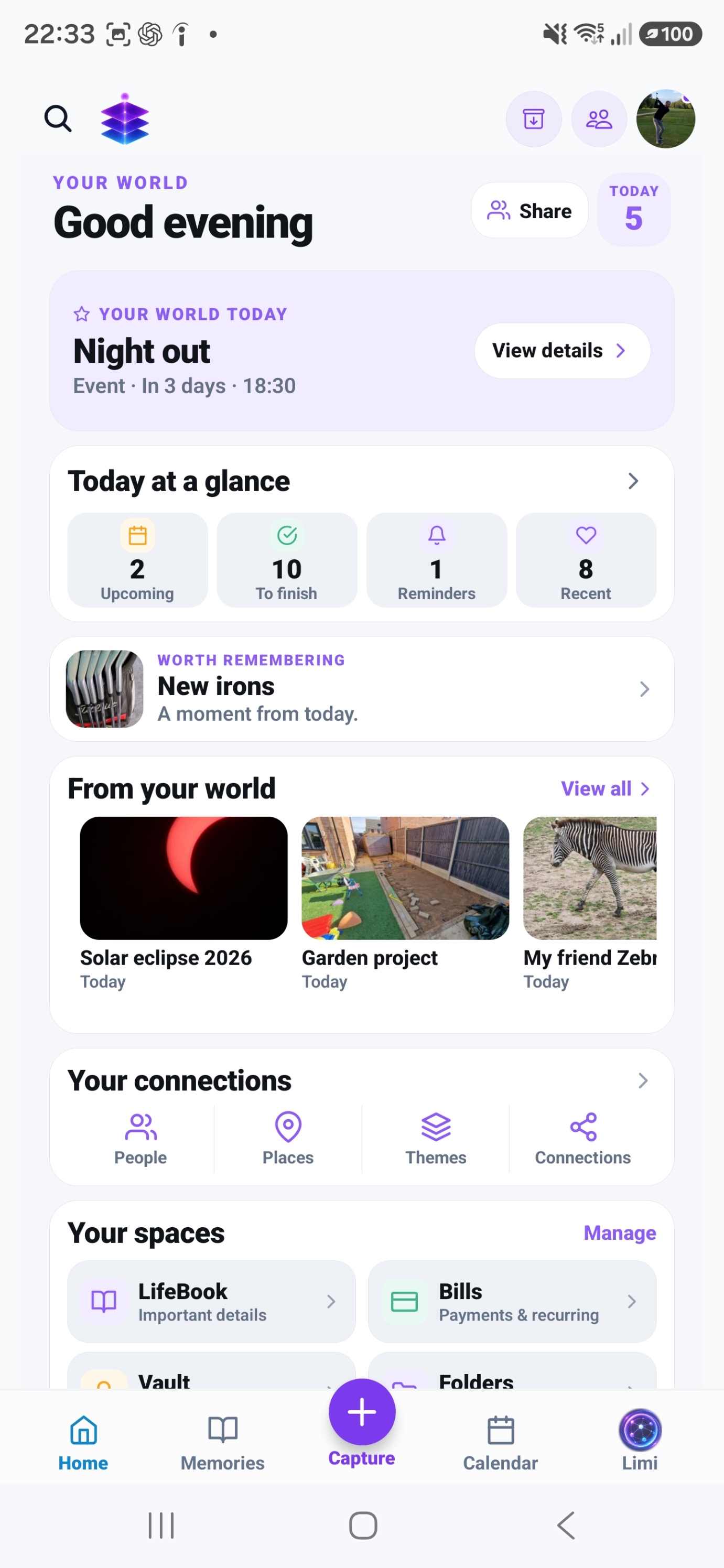
HOW IT COULD HELP YOU
Start with your life.
Find a useful place for it.
Five examples of using Memory Temple for plans, everyday details and experiences. Pick one that feels familiar.
Calendar · Reminders · Checklists
Keep family dates and details in view.
- What you want
- School dates, a birthday and a weekend plan are all competing for your attention.
- How you use the app
- Add events to Calendar, save reminders and make a checklist for what needs doing.
- What you gain
- A place to check the dates and details, rather than keeping them all in your head.
Your own checklist is separate from sharing. General Space sharing and shared standalone checklist editing are not included in this example.
See dates and reminders- School trip
- Birthday plans
- Things to do
Recipes · Meals · Shopping
Give meals and shopping a place.
- What you want
- You have recipes you like, but still need to decide what to cook and what to buy.
- How you use the app
- Save recipes, choose meals for the week and add what you need to your Shopping list.
- What you gain
- Your meal choices and shopping list have somewhere to live beyond scraps of paper.
Add Shopping items yourself with Free. Generating a Shopping list from saved recipes in your meal plan requires Plus.
See meals and shopping- Saved recipes
- This week’s meals
- What to buy
Living Sheets · Calendar · Memories
Bring the holiday plan and memories together.
- What you want
- Keep the dates, booking details and packing list easy to return to, then preserve the experience.
- How you use the app
- Create a holiday Living Sheet. Connect an event, a booking note and a checklist. After the trip, create a Memory with chosen photos and your story, then connect it to the Sheet.
- What you gain
- Return to the practical plan and what it became, from the same holiday.
You create and connect the Memory yourself; there is no automatic plan-to-Memory conversion.
Explore connected plans- Plan the trip
- Keep the details
- Add the Memory
Living Sheets · Notes · Links · Checklists
Keep a personal project moving.
- What you want
- The measurements are in a note, the ideas are in links and the next steps are on a list.
- How you use the app
- Create a Living Sheet for your project and connect the notes, checklists, links and events you need.
- What you gain
- Return to the project and open the related details from the same place.
- Measurements
- Ideas and links
- Next steps
Memories · Photos · People · Places
Remember more than the picture.
- What you want
- The photos show where you went. They don’t explain what made the day special.
- How you use the app
- Create a Memory, add selected photos and write the story. Connect the people and place involved.
- What you gain
- Come back to the experience with its meaning, as well as its pictures.
- Selected photos
- The story
- People and place
Which bit would you start with?
You don’t need to set up your whole life. Start with a useful list, an upcoming plan or a Memory you want to keep.
Back to the homepage