A story beside its media
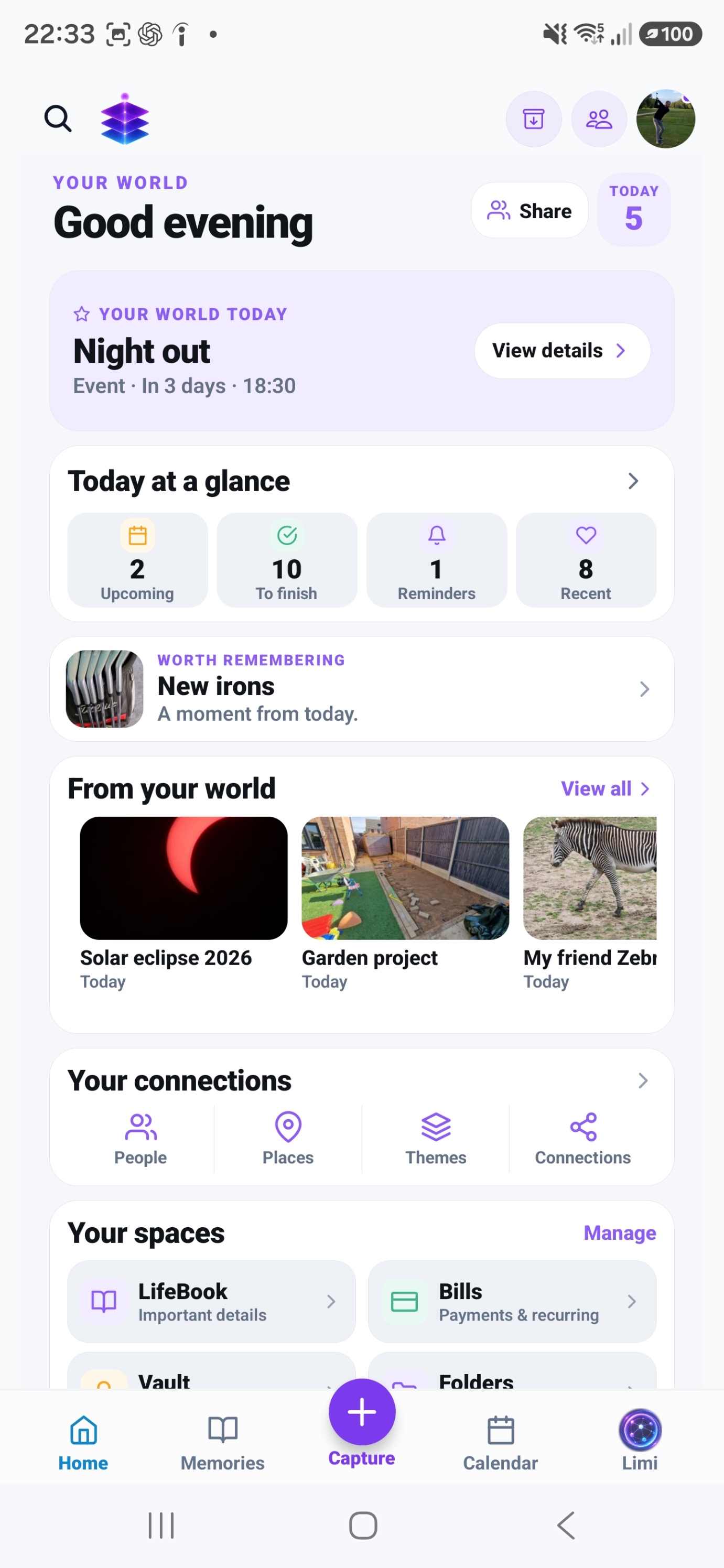
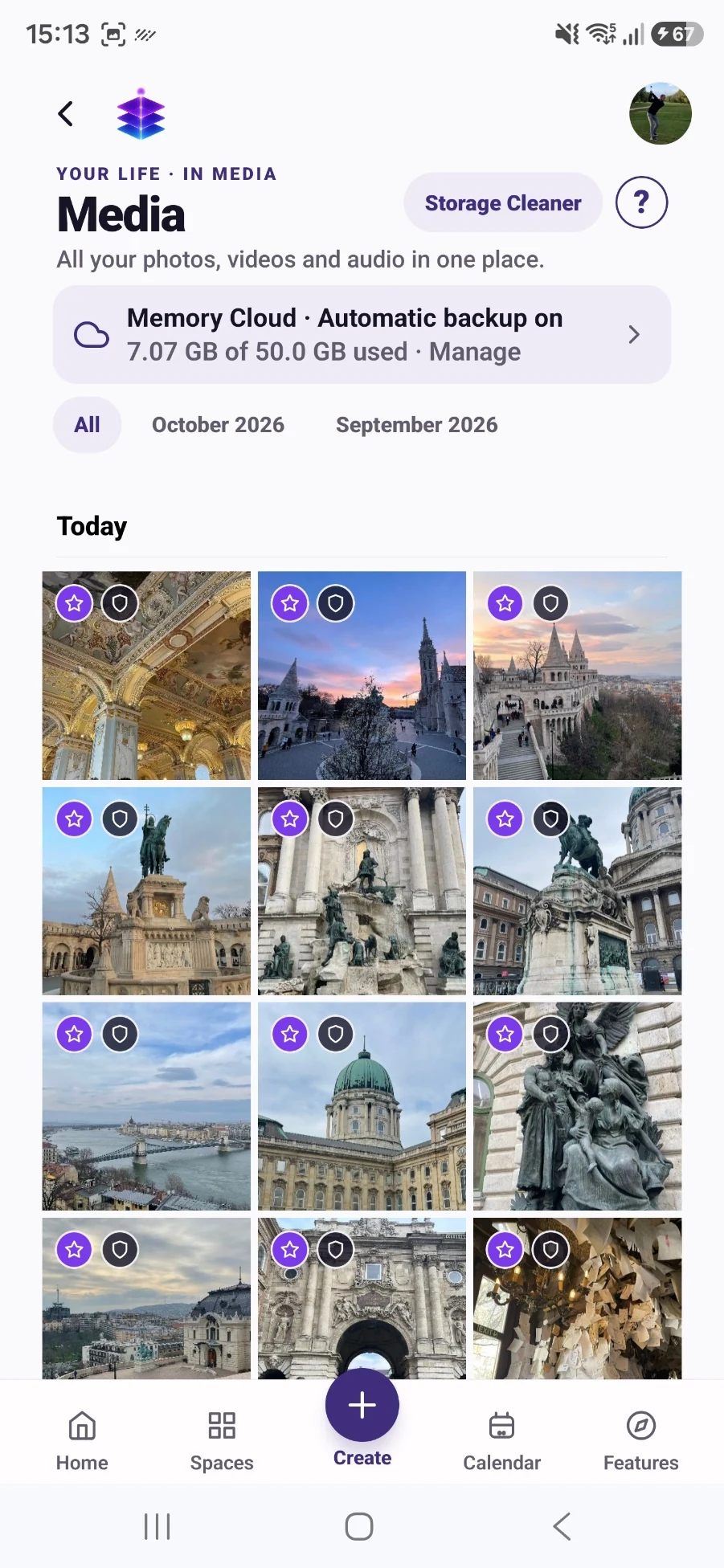
Choose the meaningful photographs, video and audio, and mark eligible media as Keep. Then create a Living Memory with that intentionally selected media and the story behind it.
A SMALL START. A MEANINGFUL DIFFERENCE.
Capture the names, words and small details now, so a family photo still makes sense years from today.
Start with the current Free tools · no subscription required
MEMORY TEMPLE FOR ANDROIDDownload the current Free appAndroid · Free includes 5GB Memory Cloud
Start with the free practical steps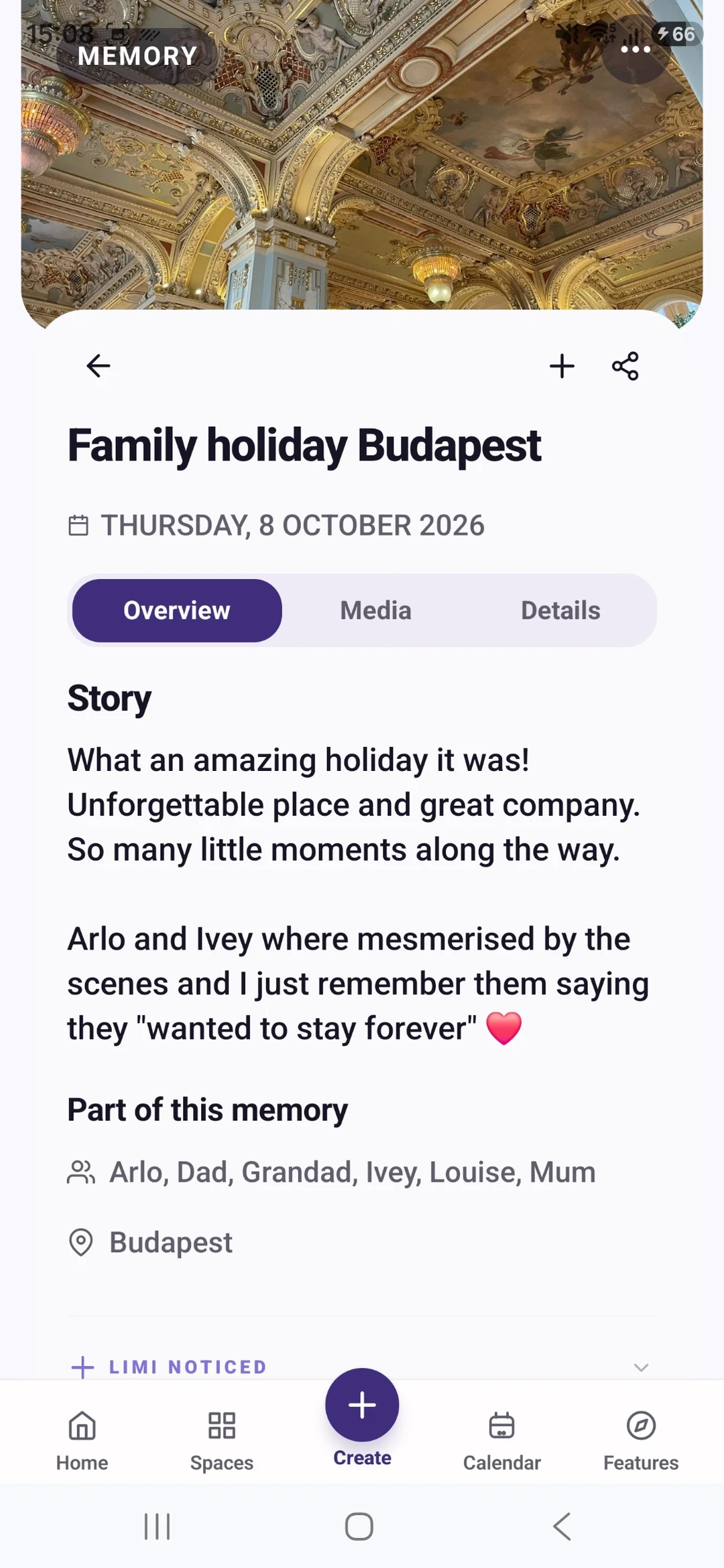
THE PROBLEM
A photograph can show a room full of people without telling you who they were, why they met or what made everyone laugh. Those details often live with just one relative. Preserving a family story starts by asking and listening, rather than trying to build a complete family history at once.
USEFUL WITH OR WITHOUT THE APP
No install needed. Use these steps with the information and tools you already have.
Choose one photo and ask someone who remembers the moment to describe it. Start with “What was happening here?” rather than a long list of formal interview questions.
Write down a phrase you want to remember, or record audio with their permission. Note who told the story. A first-hand recollection and a later interpretation are not the same thing.
Record approximate dates as approximate. If relatives remember something differently, keep that distinction instead of silently choosing one version as fact.
Ask about a family tradition, a favourite place or an ordinary day. Small everyday experiences can say as much about someone’s life as major milestones.
IN MEMORY TEMPLE
Choose the meaningful photographs, video and audio, and mark eligible media as Keep. Then create a Living Memory with that intentionally selected media and the story behind it.
Connect a memory with the people and locations behind it, rather than relying on a filename.
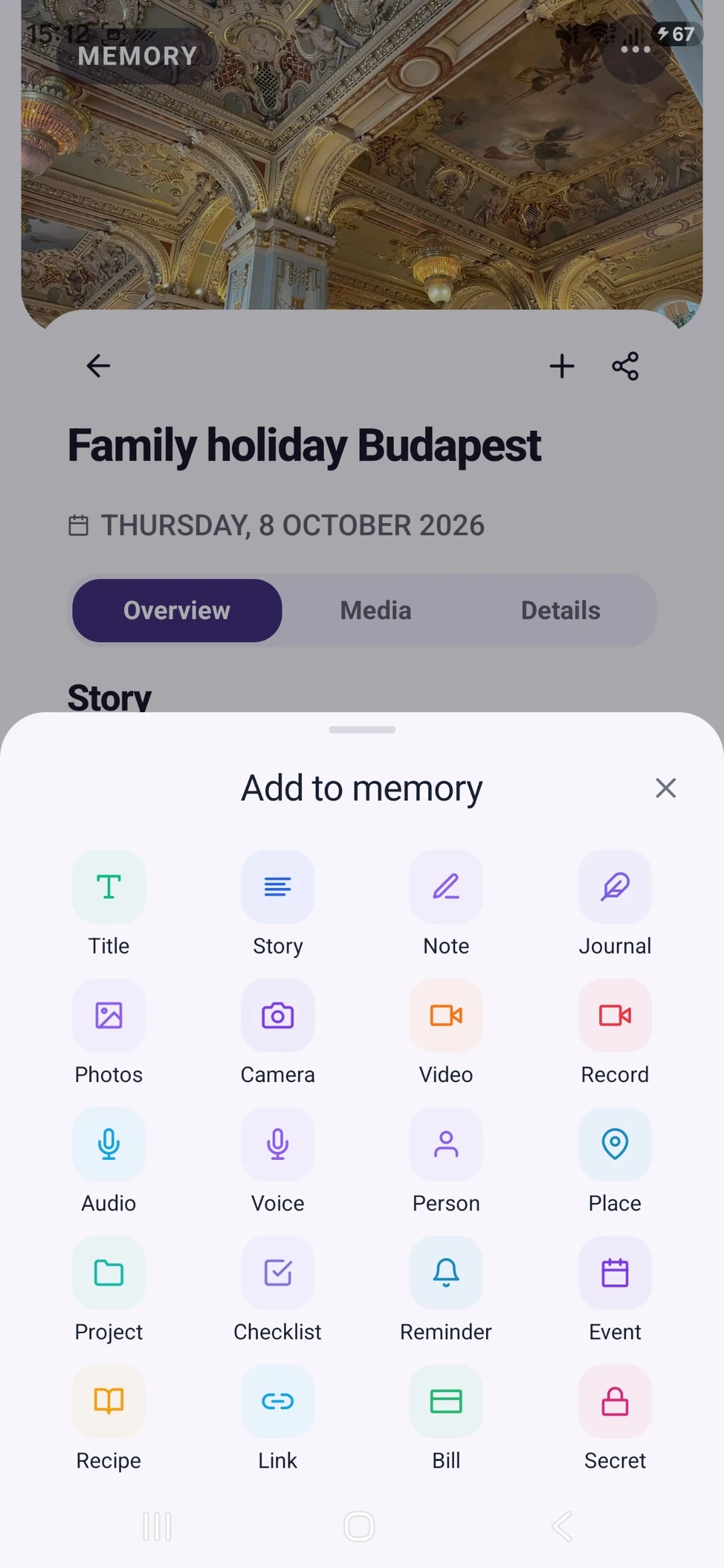
Add another experience as you remember it. LifeBook offers another way to bring your life’s information together.
FROM WHAT YOU ALREADY HAVE
Start with a photograph, a short recording or a story you already have.
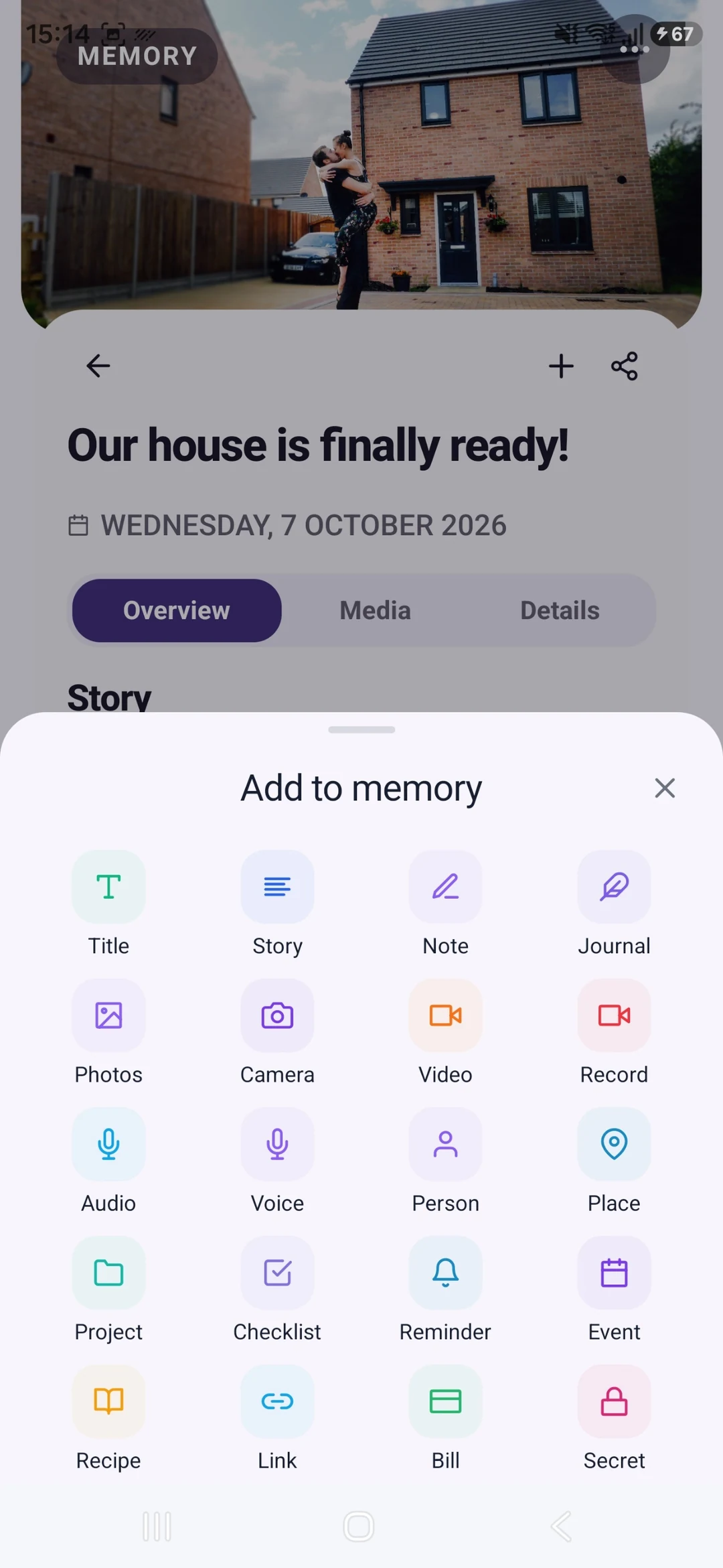
Add the story, people, place and date. Check names and any AI-assisted wording.
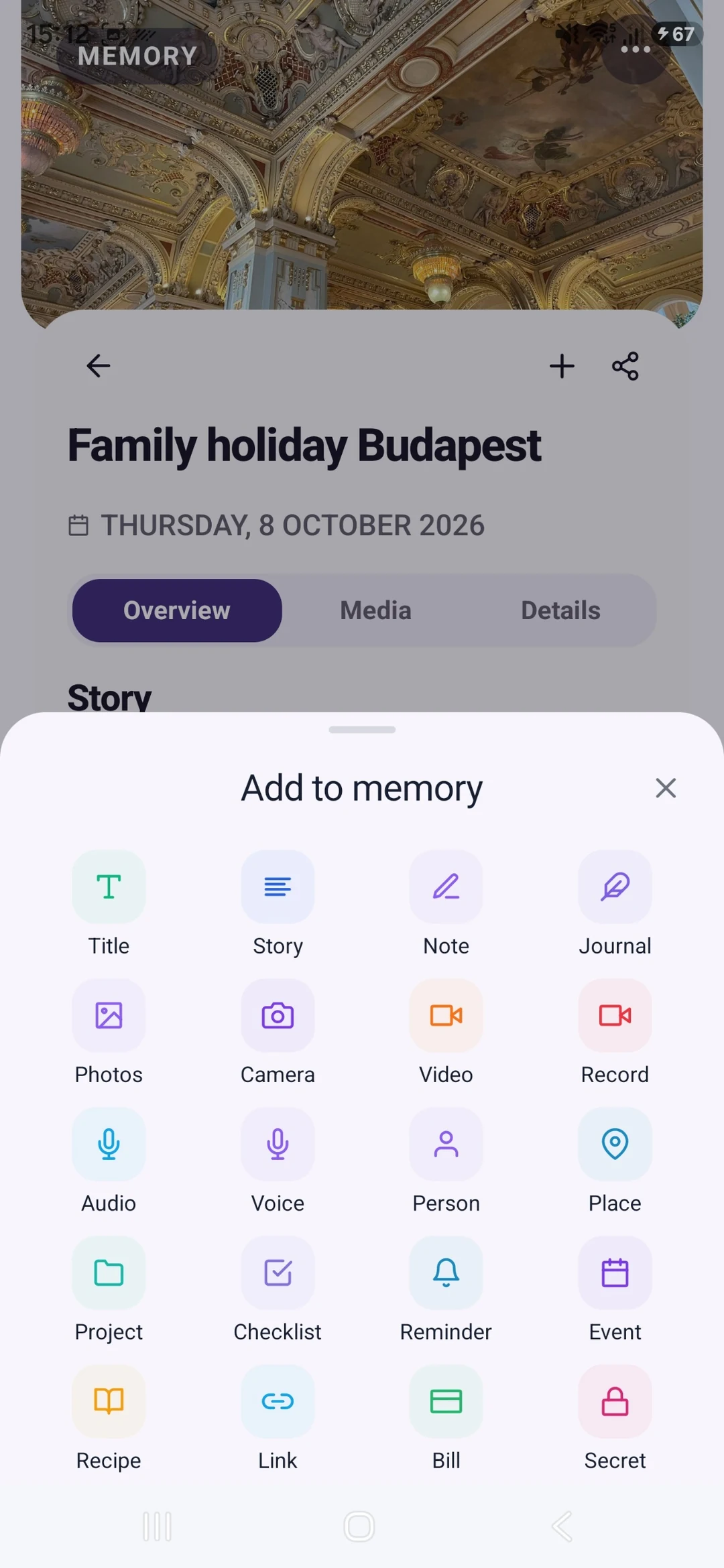
Ask a relative a follow-up question and enrich the memory when you learn something new.
YOUR FIRST WIN
Create one family memory with a photograph and a first-hand detail: who told the story, where it happened and a sentence in their own words.
MEMORY TEMPLE FOR ANDROIDDownload the current Free appStart with the current Free tools · no subscription required
Begin with the Free tools described here. Choose Plus if you need its specific premium capabilities.
CLEAR PLAN BOUNDARIES
£0
5GB Memory Cloud included
Manually create memories with media and context, connect People and Places, and share selected memories.
£7.99 / month
50GB Memory Cloud total
Keep reviewed Prepared Memories and receive 50GB total Memory Cloud storage.
BEFORE YOU START
This page focuses on preserving experiences and their context. It does not promise genealogy research, historical records or a complete family tree.
Treat AI wording as a draft. It cannot verify a relative’s recollection or fill an unknown date with a reliable fact. Check details with the people who know them.
Manually create memories with media and context, connect People and Places, and share selected memories. Free is £0 with 5GB Memory Cloud. Plus is £7.99 per month with 50GB total, not an extra 50GB on top of Free. Keep reviewed Prepared Memories and receive 50GB total Memory Cloud storage. Check Pricing for the full current plan boundaries.
Memory Temple is currently available for Android through the official Google Play listing. Check that listing for device compatibility. This page does not promise an iPhone, desktop or web app.
Automatic backup requires enabling it and granting device permissions. Check upload status and available storage. Supported private media views use access controls and time-limited signed links. AI features may process eligible context through external services; check their output. Read the published Privacy Policy for details.
BEGIN WITH ONE MOMENT OR ONE PLAN
Create one family memory with a photograph and a first-hand detail: who told the story, where it happened and a sentence in their own words.
Start with the current Free tools · no subscription required
MEMORY TEMPLE FOR ANDROIDDownload the current Free appAllow optional analytics to count page views and Google Play clicks. We use PostHog, without recording your screen or identifying you by name. About website analytics