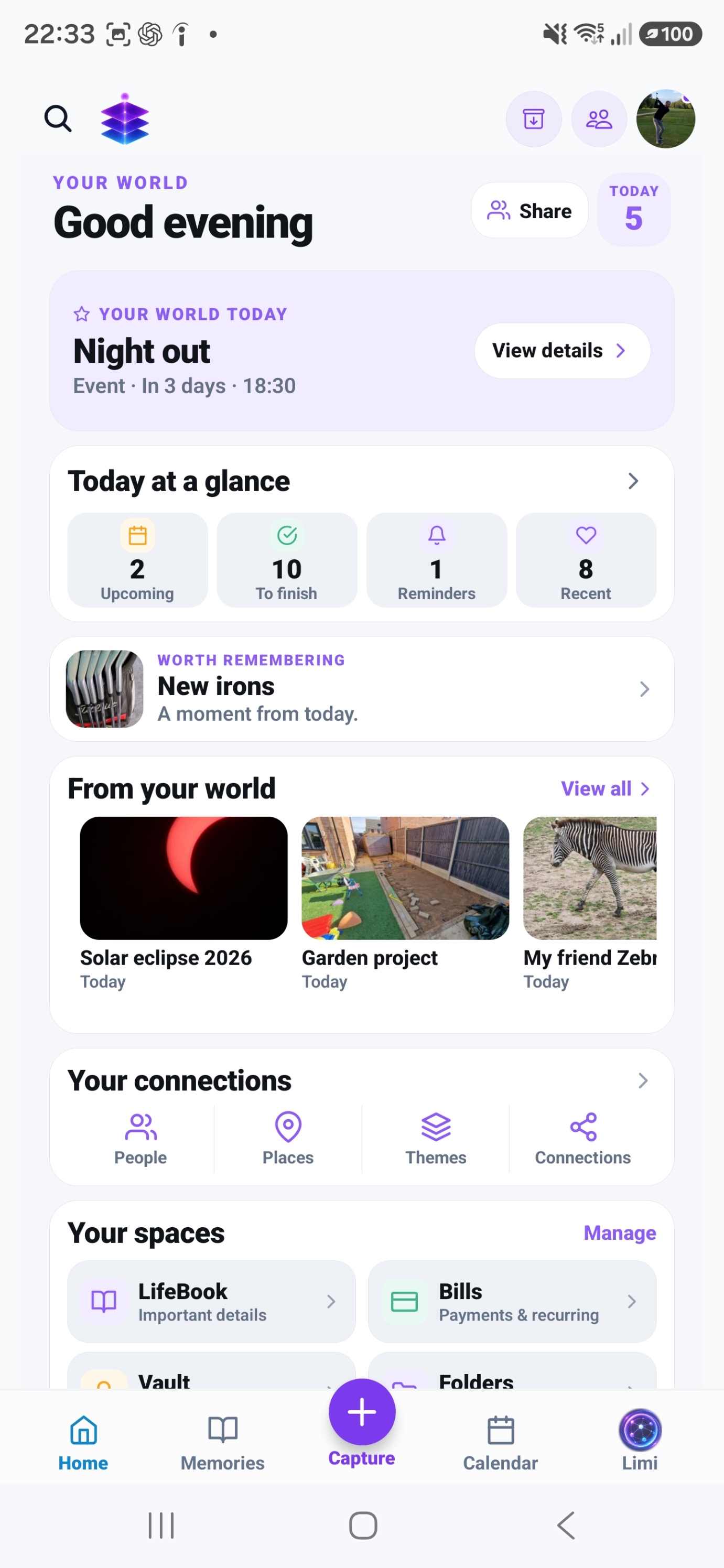
Calendar and Events
Keep upcoming dates visible in Memory Temple.
A SMALL START. A MEANINGFUL DIFFERENCE.
Make one upcoming event easier to prepare for, with the useful details close to its date.
Start with the current Free tools · no subscription required
MEMORY TEMPLE FOR ANDROIDDownload the current Free appAndroid · Free includes 5GB Memory Cloud
Start with the free practical steps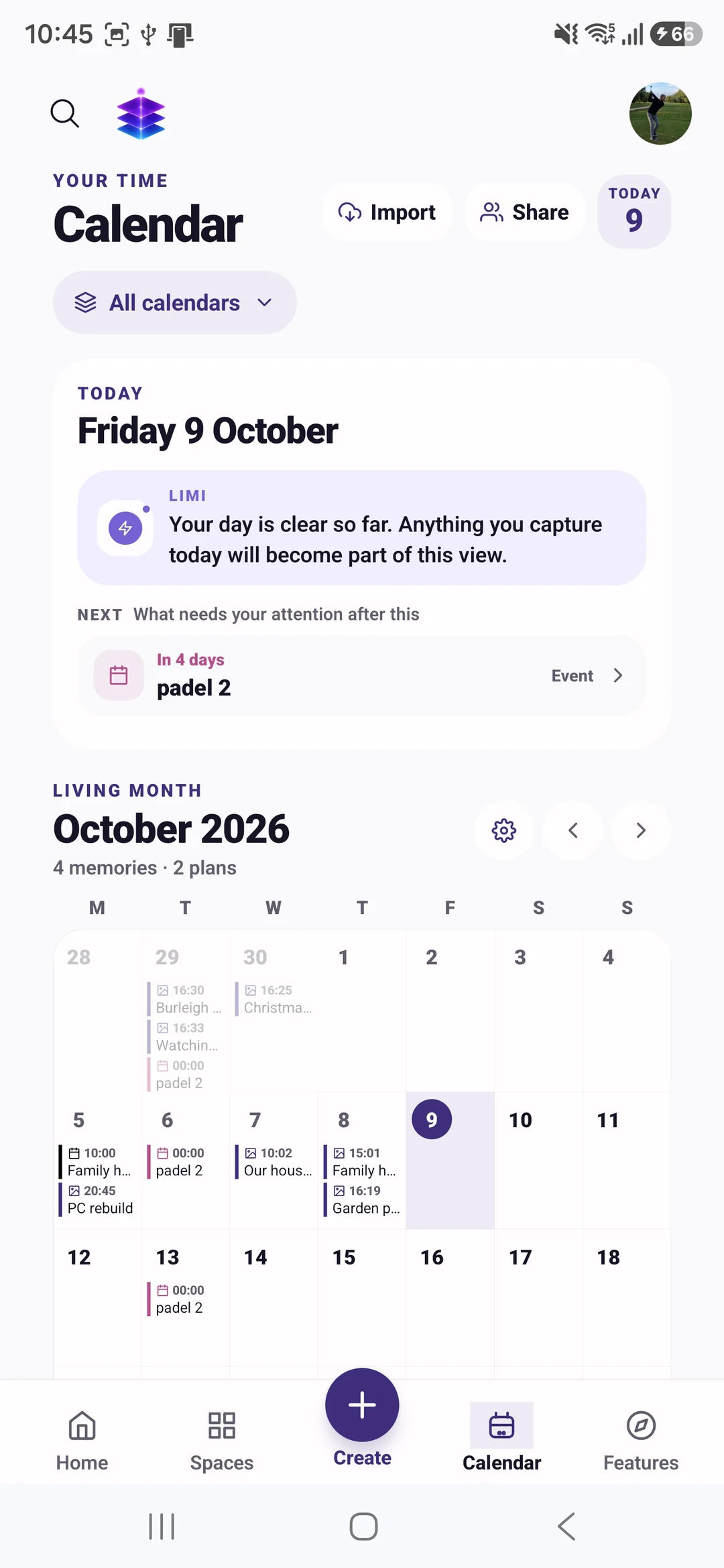
THE PROBLEM
An appointment title tells you when to turn up, but it may not tell you what to bring or where the confirmation is. A date becomes more useful when the preparation and relevant information stay connected to it.
USEFUL WITH OR WITHOUT THE APP
No install needed. Use these steps with the information and tools you already have.
Write who or what the event concerns, not just “appointment”. Include the location and time zone where relevant.
Create a short checklist of what must happen before the event, such as finding a document or confirming travel.
Allow enough time to act on it. Check device notification permissions rather than assuming every reminder will reach you.
Look for conflicts and missing details while there is time to resolve them. A short review is more reliable than repeatedly postponing a notification.
IN MEMORY TEMPLE
Keep upcoming dates visible in Memory Temple.
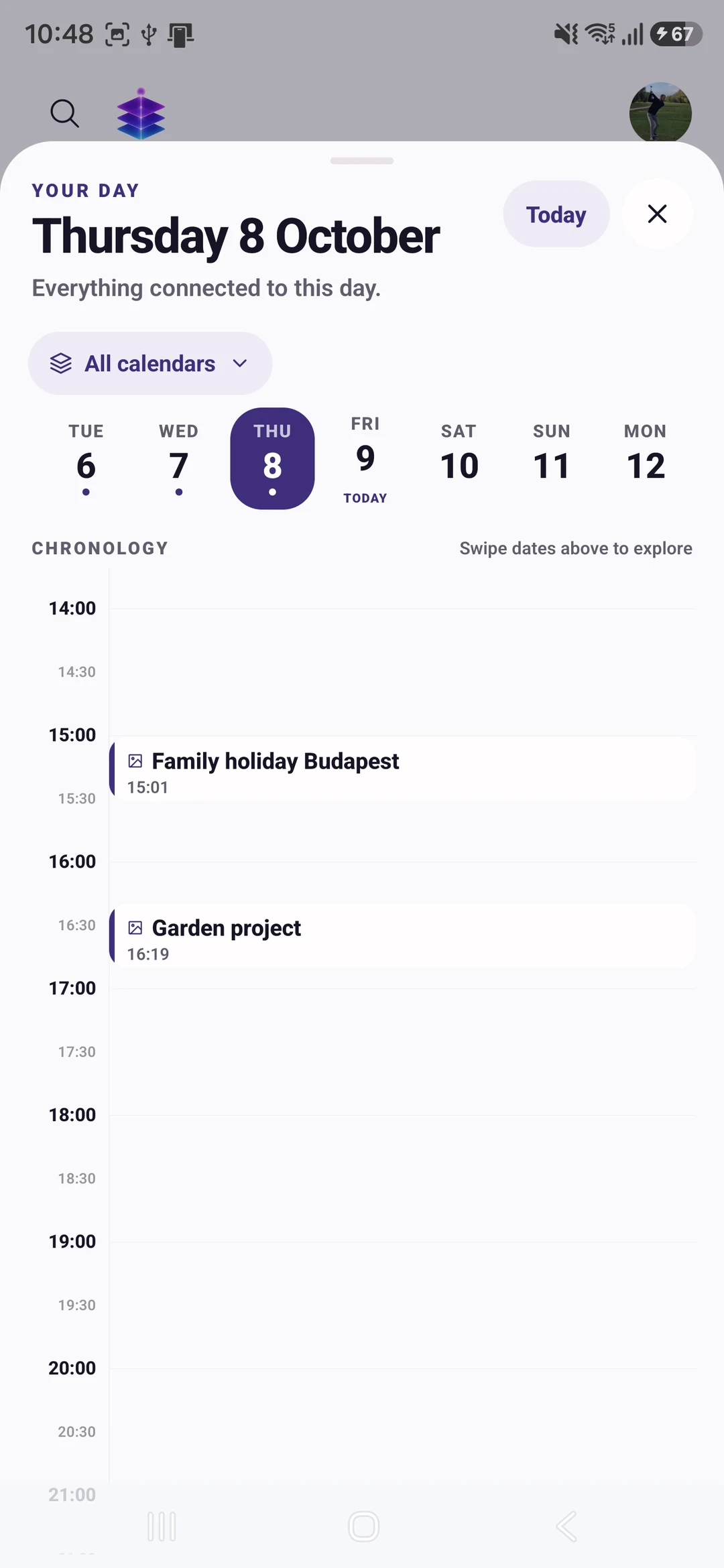
Use reminders for timing and checklists for the work around a plan.
Connect useful notes and information around a larger event or project.
FROM WHAT YOU ALREADY HAVE
Choose an upcoming event that needs preparation.
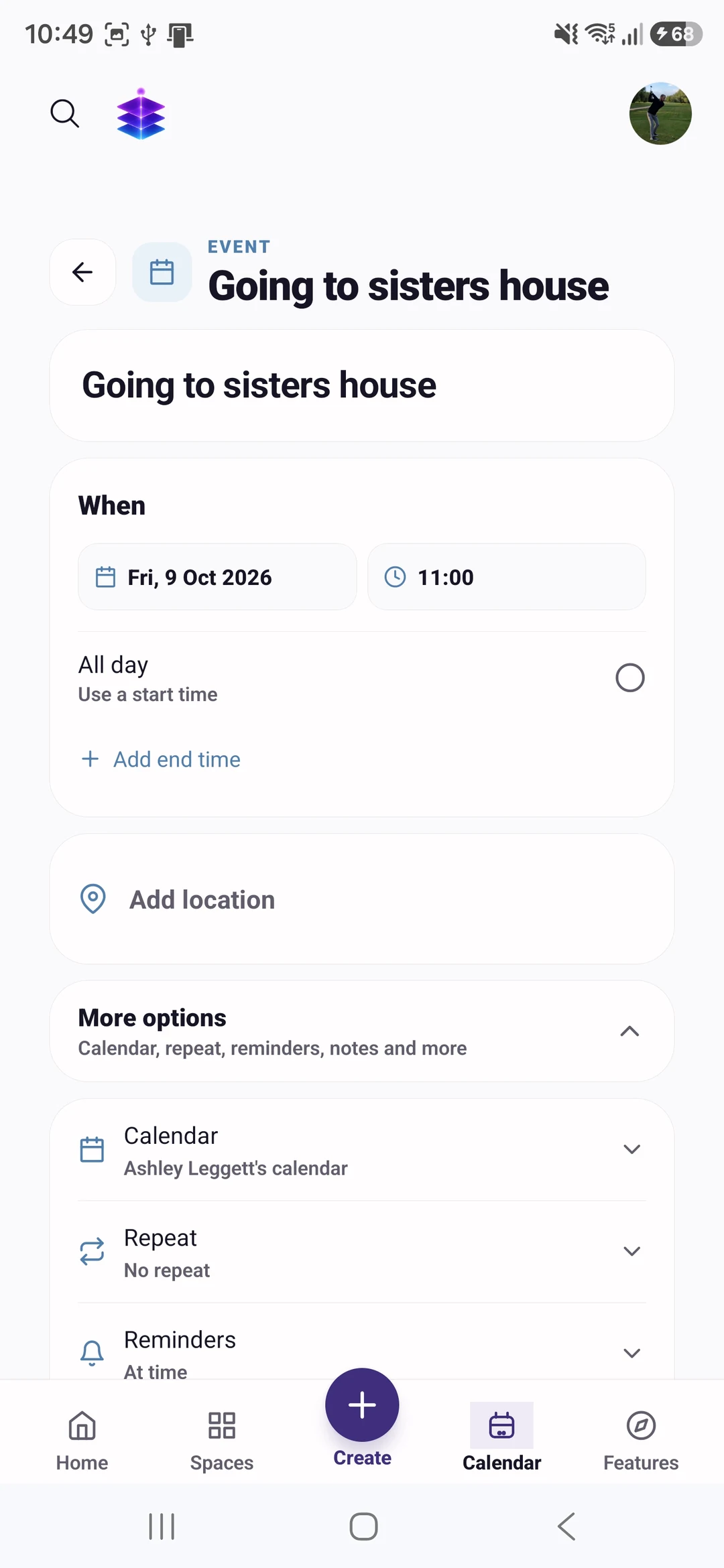
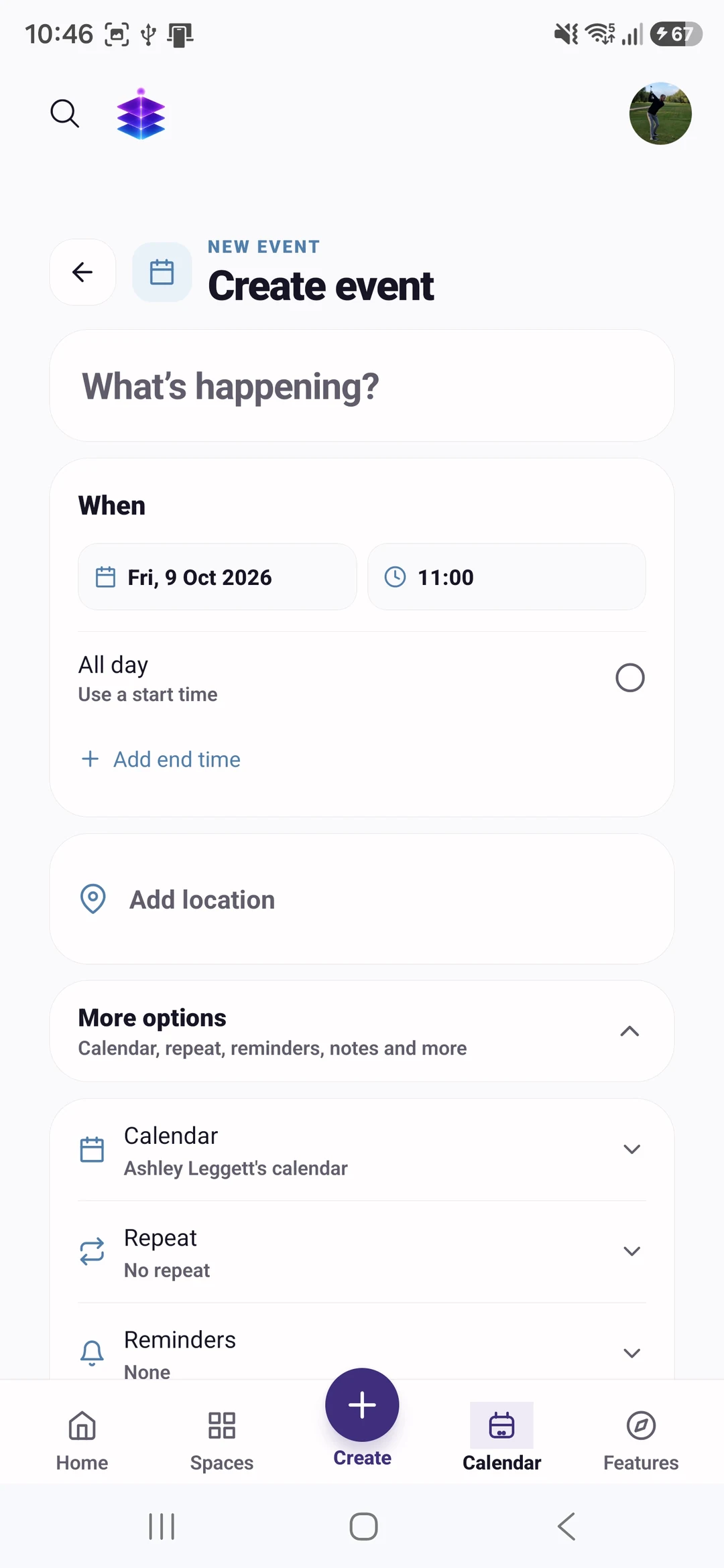
Create an event manually and add the information you know.
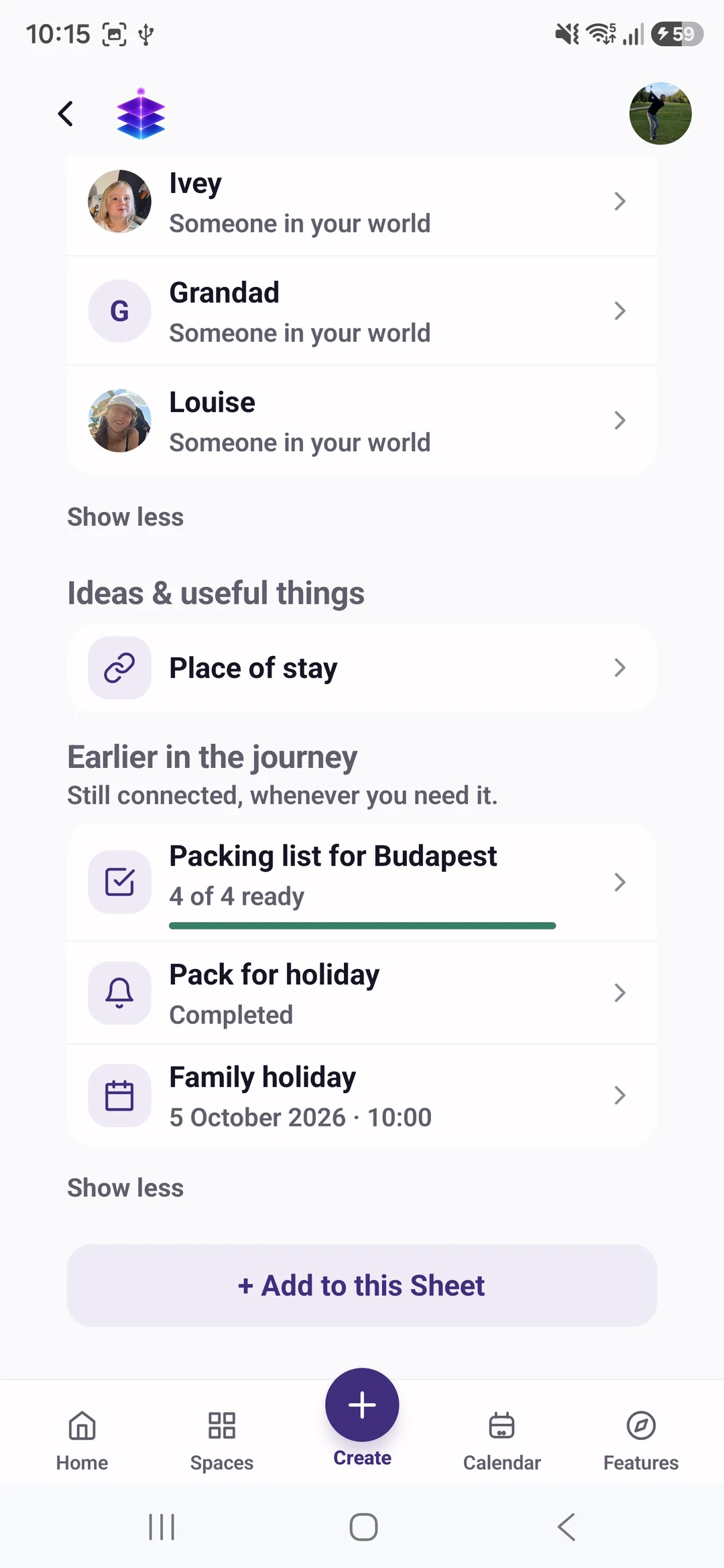
Create a checklist and set a useful reminder, checking notification permissions.
YOUR FIRST WIN
Create one upcoming event manually, add its useful details and write a preparation checklist. Calendar importing is not part of the verified starter promise yet.
MEMORY TEMPLE FOR ANDROIDDownload the current Free appStart with the current Free tools · no subscription required
Begin with the Free tools described here. Choose Plus if you need its specific premium capabilities.
CLEAR PLAN BOUNDARIES
£0
5GB Memory Cloud included
Calendar, events, reminders and checklists.
£7.99 / month
50GB Memory Cloud total
Premium memory, cleanup and meal-planning actions; a basic manually created event does not require Plus.
BEFORE YOU START
Import support and its current provider and plan boundaries need device verification before this page promises it. Start with a manually created event meanwhile.
No. Notification delivery depends on device permissions, settings and operating-system behaviour. Check the important information yourself.
Calendar, events, reminders and checklists. Free is £0 with 5GB Memory Cloud. Plus is £7.99 per month with 50GB total, not an extra 50GB on top of Free. Premium memory, cleanup and meal-planning actions; a basic manually created event does not require Plus. Check Pricing for the full current plan boundaries.
Memory Temple is currently available for Android through the official Google Play listing. Check that listing for device compatibility. This page does not promise an iPhone, desktop or web app.
Automatic backup requires enabling it and granting device permissions. Check upload status and available storage. Supported private media views use access controls and time-limited signed links. AI features may process eligible context through external services; check their output. Read the published Privacy Policy for details.
BEGIN WITH ONE MOMENT OR ONE PLAN
Create one upcoming event manually, add its useful details and write a preparation checklist. Calendar importing is not part of the verified starter promise yet.
Start with the current Free tools · no subscription required
MEMORY TEMPLE FOR ANDROIDDownload the current Free appAllow optional analytics to count page views and Google Play clicks. We use PostHog, without recording your screen or identifying you by name. About website analytics