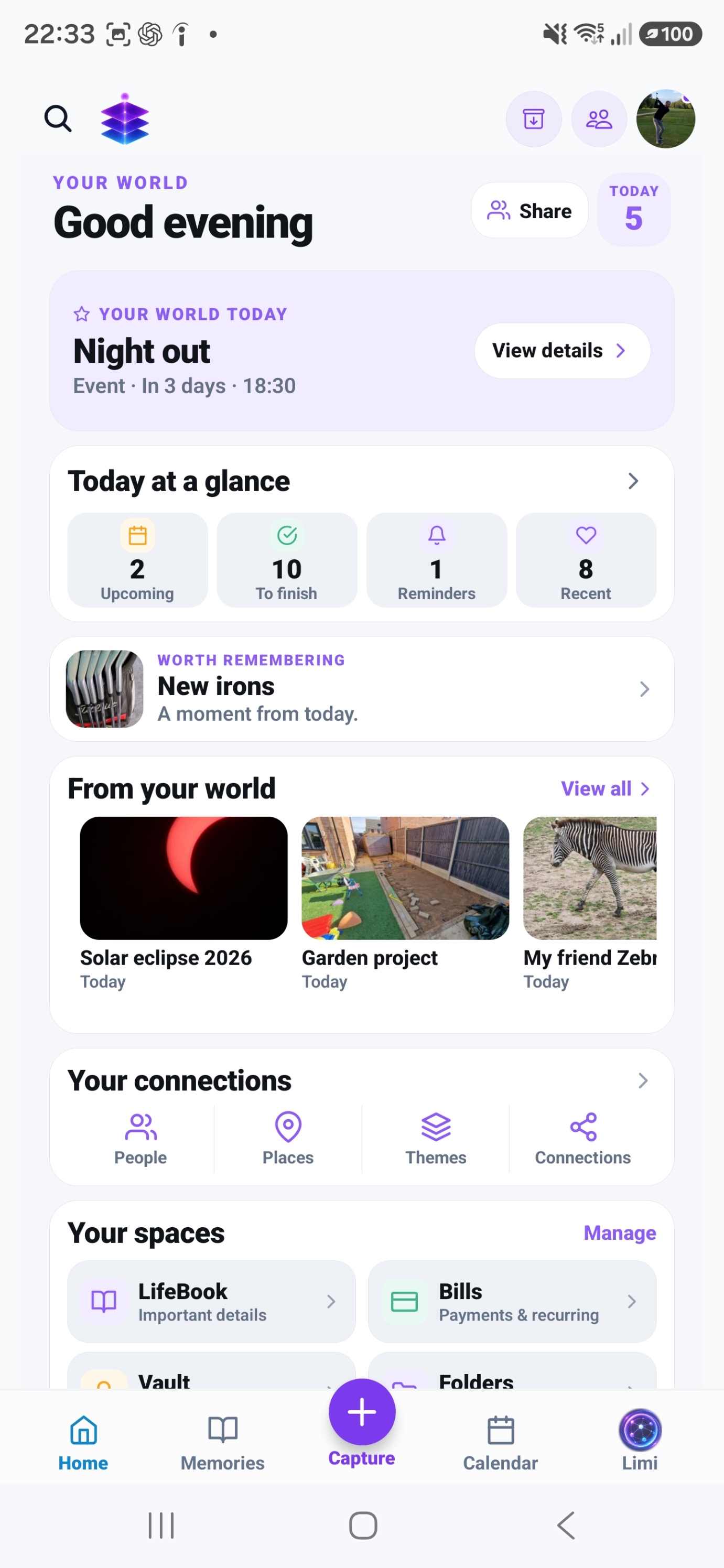
Spaces
Browse information by type, including Notes, Checklists, People and Places.
A SMALL START. A MEANINGFUL DIFFERENCE.
Start with one real plan. Keep its notes, checklist and useful links together, so you can use them when you need them.
Start with the current Free tools · no subscription required
MEMORY TEMPLE FOR ANDROIDDownload the current Free appAndroid · Free includes 5GB Memory Cloud
Start with the free practical steps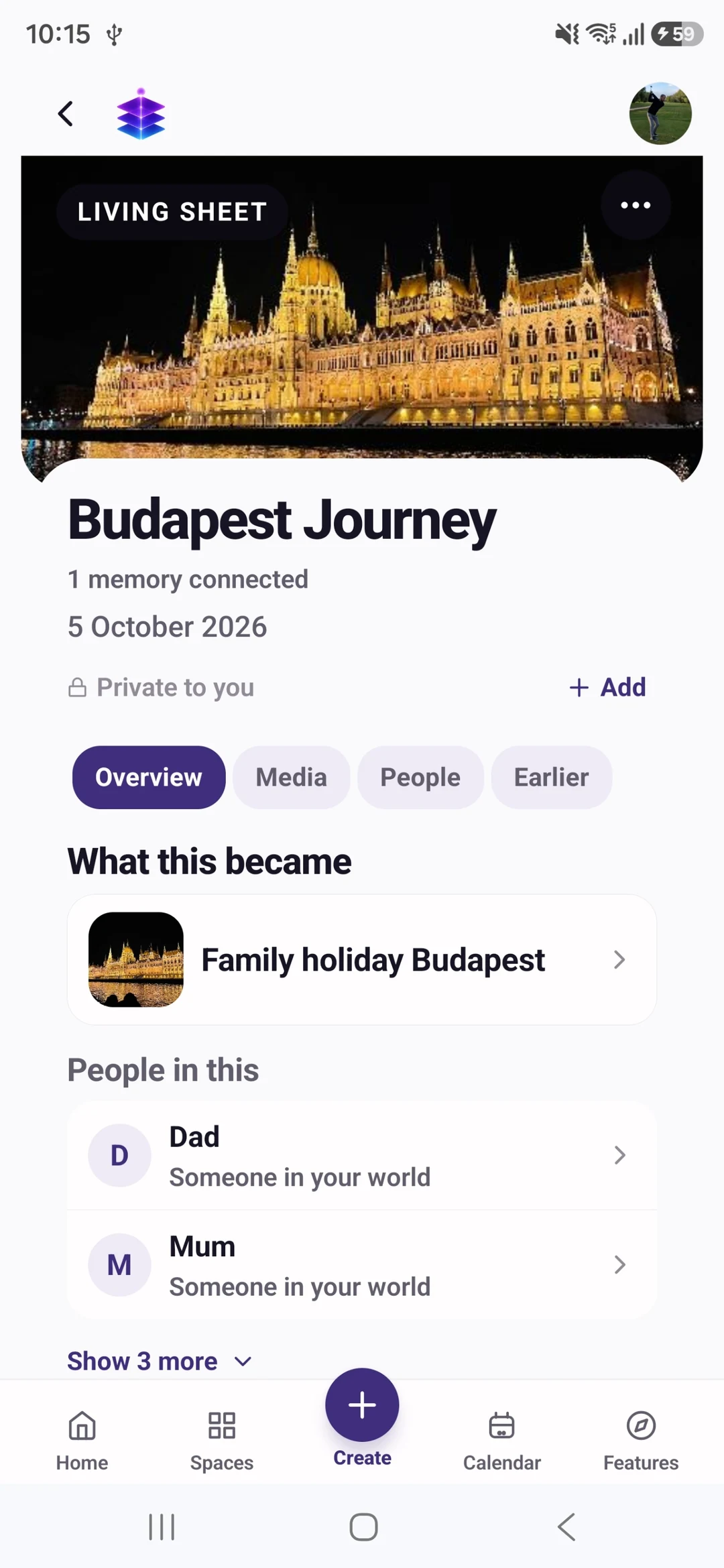
THE PROBLEM
The shopping reminder is in one app, a project note is in another, and the useful link is buried in a message. Moving every piece of information at once can create another unfinished system. A single active plan gives you a smaller, practical starting point.
USEFUL WITH OR WITHOUT THE APP
No install needed. Use these steps with the information and tools you already have.
Choose something active: a weekend away, a room to improve or a family event. Gather only the notes, links and tasks that belong to it.
Keep background information in notes. Write checklist items as actions you can finish, such as “confirm arrival time”, rather than vague headings such as “holiday”.
A checklist tells you what needs doing; a calendar entry or reminder tells you when. Add a date only when the task has a real time requirement.
When the plan is finished, keep the details worth remembering and remove or archive obsolete instructions using the available controls. Do not let an old checklist become your current plan.
IN MEMORY TEMPLE
Browse information by type, including Notes, Checklists, People and Places.
Bring the relevant pieces of a plan or project together rather than relying on scattered snippets.
Keep notes, links, checklists, events and reminders alongside the memories the plan may become.
FROM WHAT YOU ALREADY HAVE
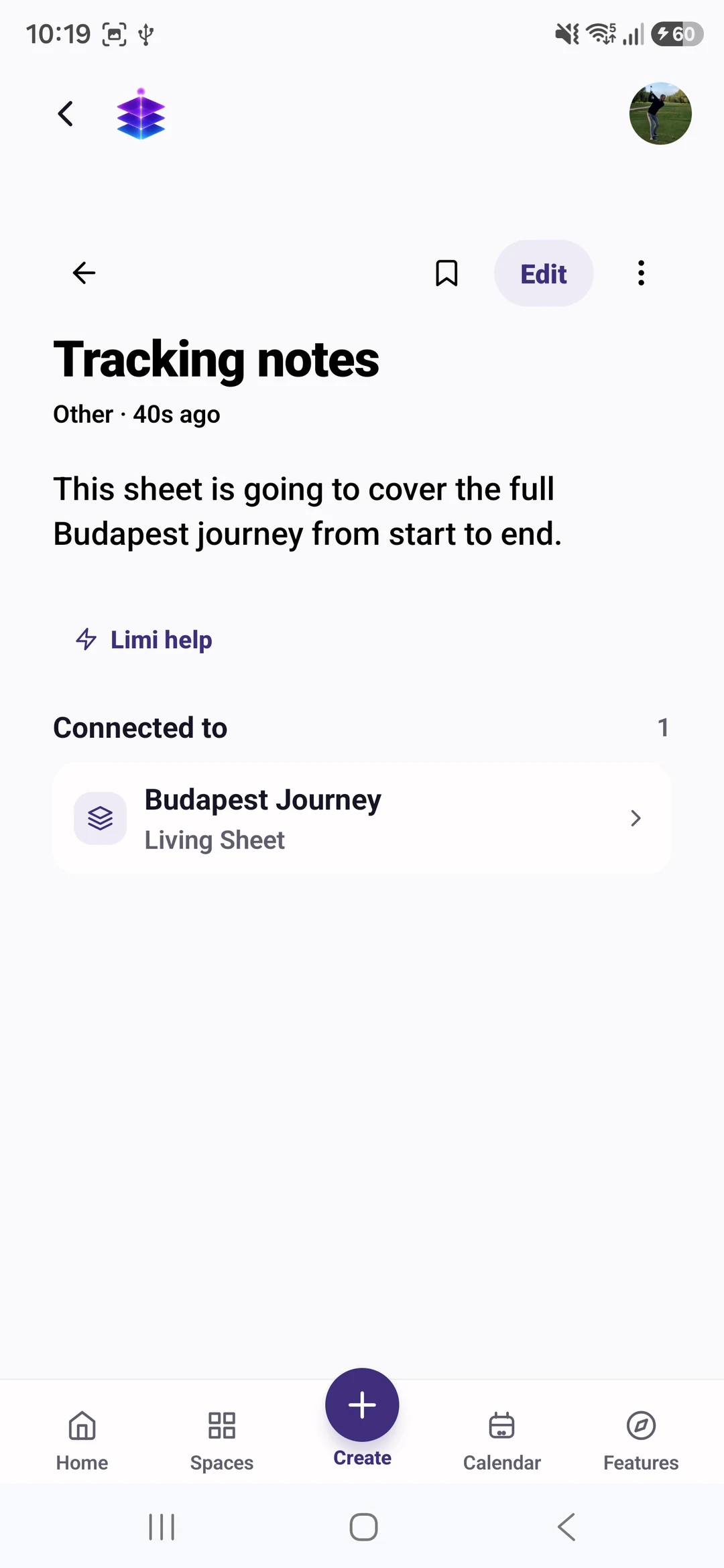
Use a real note, link or list already on your phone.
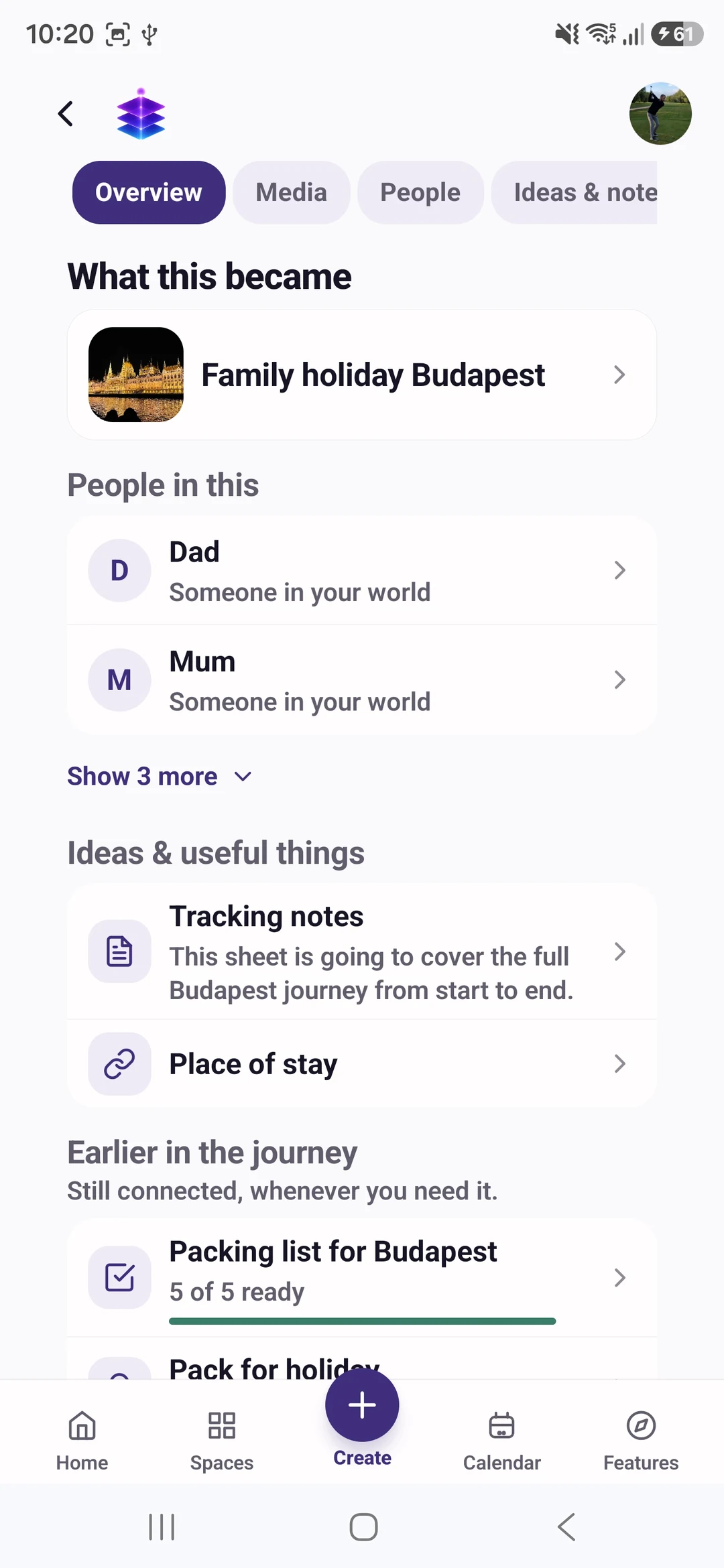
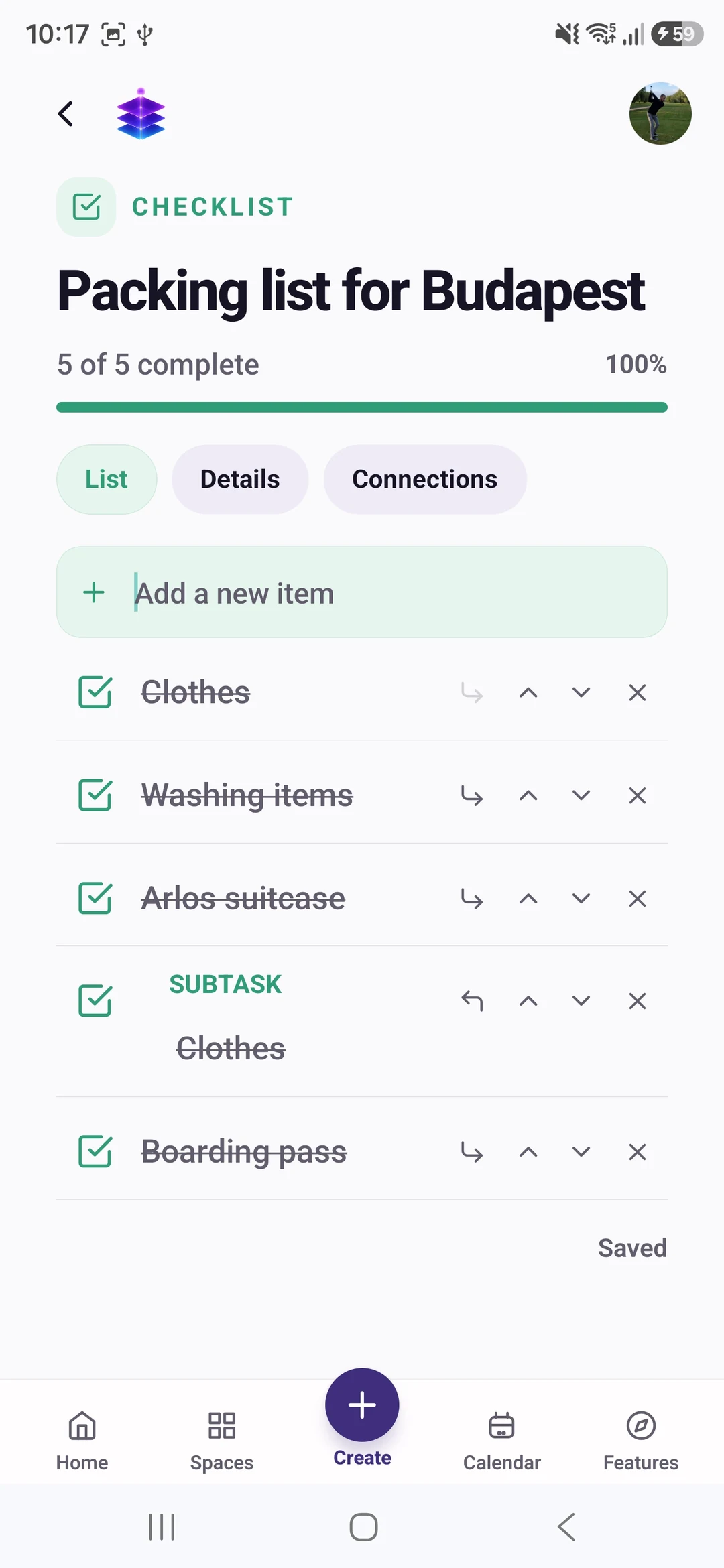
Add a note for reference and a checklist for actions. Use a Living Sheet to connect related information.
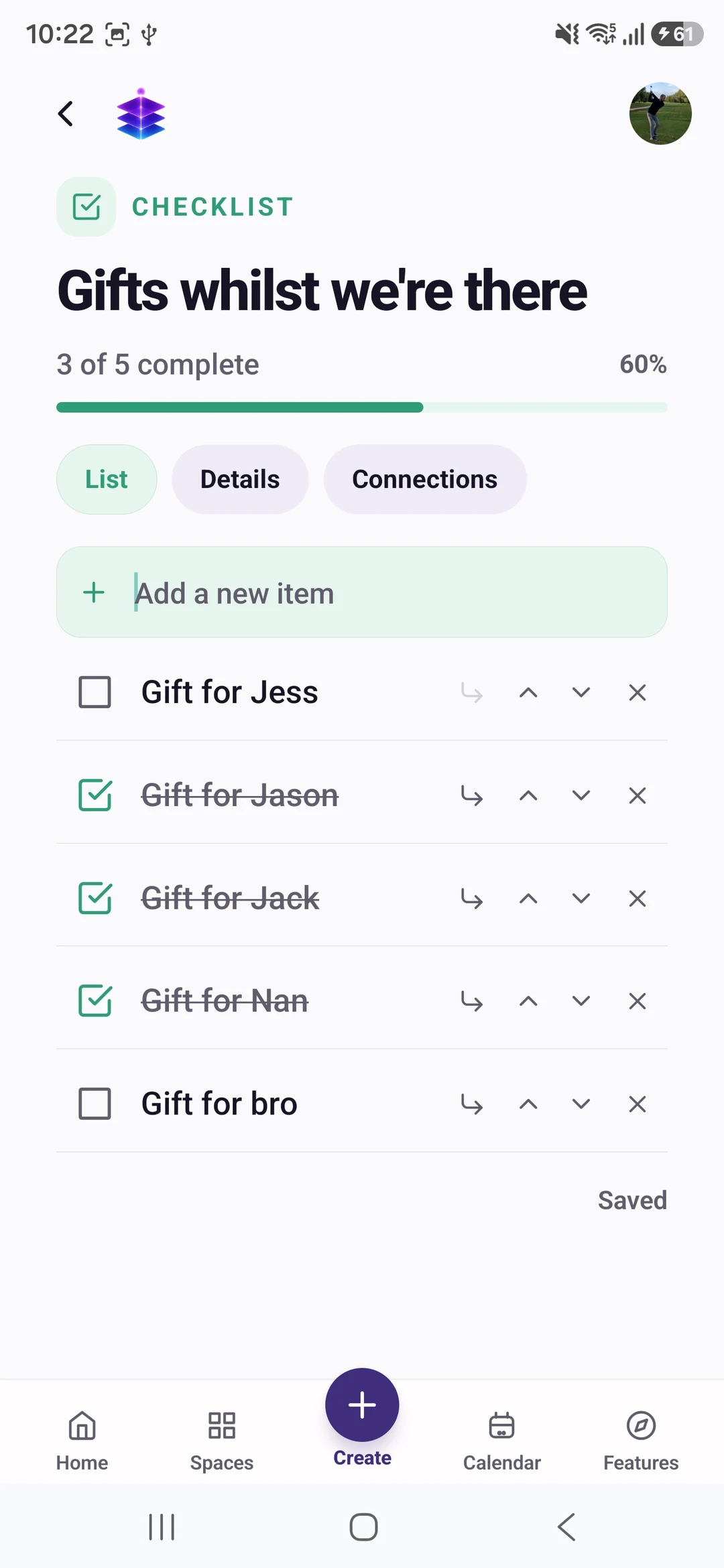
Return to the collection as the plan progresses and check off a finished action.
YOUR FIRST WIN
Create a first organised Space using a note and checklist for one current plan. Connect the relevant information in a Living Sheet instead of rebuilding your whole system.
MEMORY TEMPLE FOR ANDROIDDownload the current Free appStart with the current Free tools · no subscription required
Begin with the Free tools described here. Choose Plus if you need its specific premium capabilities.
CLEAR PLAN BOUNDARIES
£0
5GB Memory Cloud included
Spaces, notes, checklists, links, Calendar and Living Sheets are included in Free.
£7.99 / month
50GB Memory Cloud total
50GB total storage and premium memory, cleanup and meal-planning actions. Ordinary notes and checklists remain Free.
BEFORE YOU START
No. Start with one plan and copy the useful information deliberately. This page does not promise an automatic migration from every notes or task app.
Memory Temple focuses on personal memories and everyday organisation. This page does not claim enterprise project reporting, team administration or every specialist task-management feature.
Spaces, notes, checklists, links, Calendar and Living Sheets are included in Free. Free is £0 with 5GB Memory Cloud. Plus is £7.99 per month with 50GB total, not an extra 50GB on top of Free. 50GB total storage and premium memory, cleanup and meal-planning actions. Ordinary notes and checklists remain Free. Check Pricing for the full current plan boundaries.
Memory Temple is currently available for Android through the official Google Play listing. Check that listing for device compatibility. This page does not promise an iPhone, desktop or web app.
Automatic backup requires enabling it and granting device permissions. Check upload status and available storage. Supported private media views use access controls and time-limited signed links. AI features may process eligible context through external services; check their output. Read the published Privacy Policy for details.
BEGIN WITH ONE MOMENT OR ONE PLAN
Create a first organised Space using a note and checklist for one current plan. Connect the relevant information in a Living Sheet instead of rebuilding your whole system.
Start with the current Free tools · no subscription required
MEMORY TEMPLE FOR ANDROIDDownload the current Free appAllow optional analytics to count page views and Google Play clicks. We use PostHog, without recording your screen or identifying you by name. About website analytics