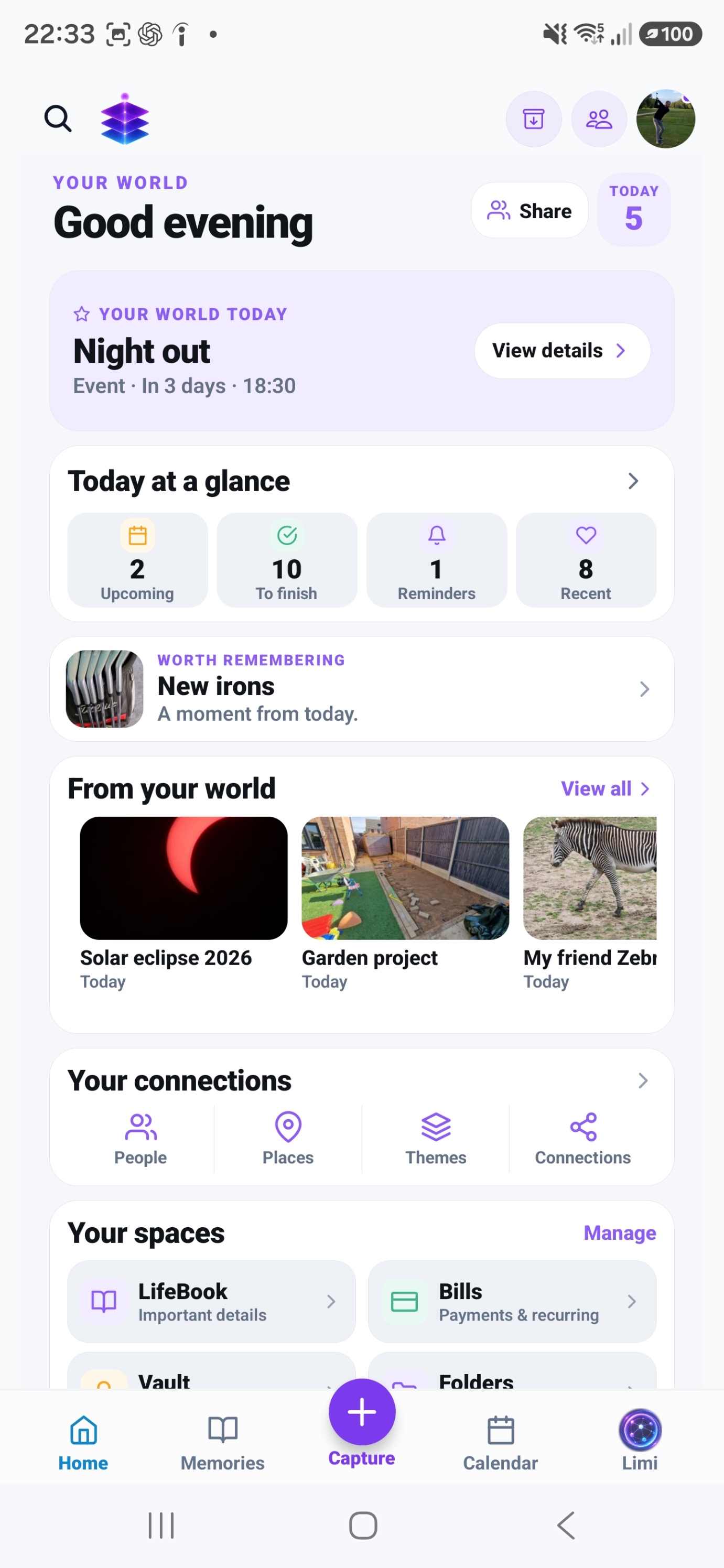
Storage Cleaner
Review likely clutter with Quick Cleanup and Swipe Review. Premium cleanup actions require Plus.
A SMALL START. A MEANINGFUL DIFFERENCE.
Understand what is using space, decide what matters and check a real backup before removing anything.
Practical advice for a careful storage review
MEMORY TEMPLE FOR ANDROIDDownload the current Free appAndroid · Free includes 5GB Memory Cloud
Start with the free practical steps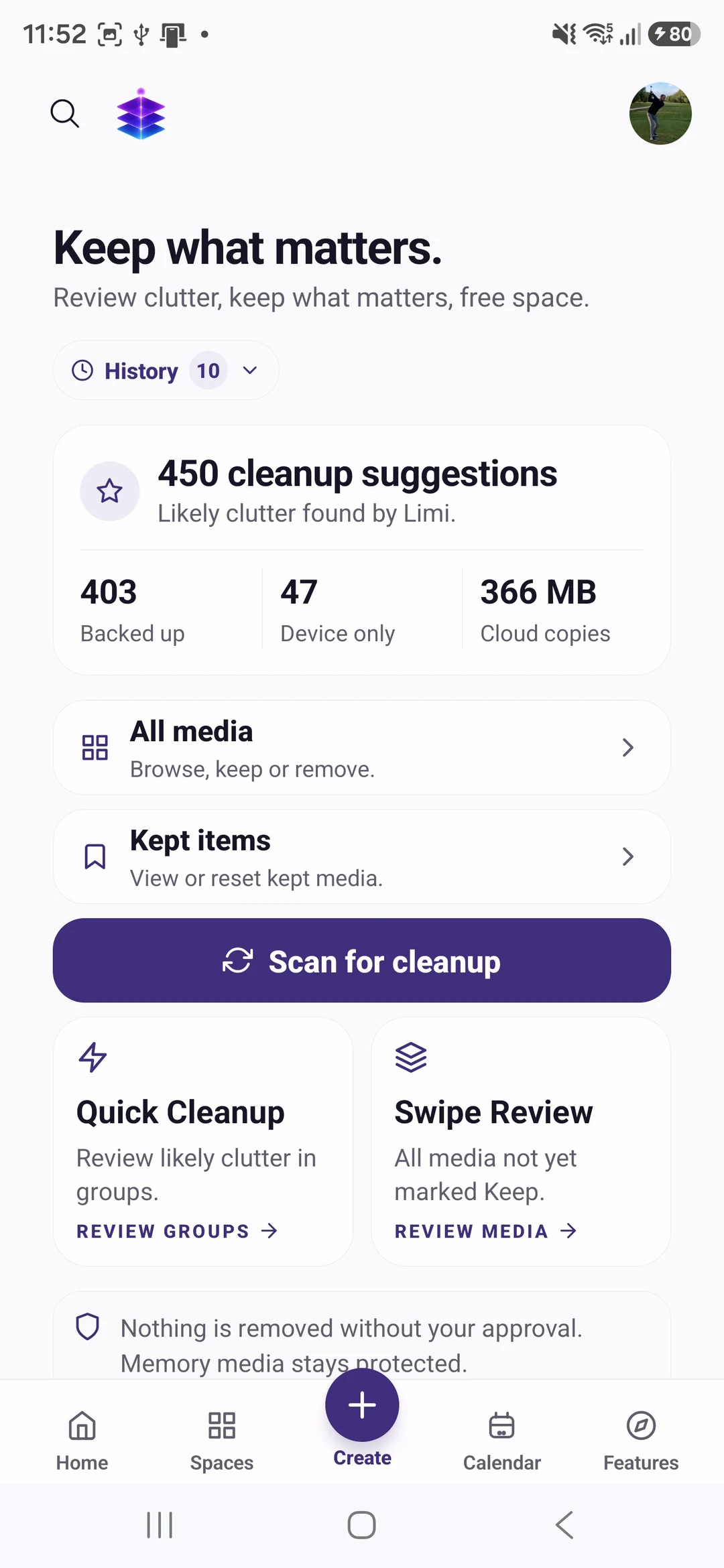
THE PROBLEM
A storage warning can turn a routine photo into a rushed decision about what to delete. Large videos, downloads and app data can all contribute. Review the actual storage breakdown before assuming your whole photo collection needs to go.
USEFUL WITH OR WITHOUT THE APP
No install needed. Use these steps with the information and tools you already have.
Open your phone’s storage settings and identify the largest categories. Follow the instructions for your Android device; menu names vary.
Look for files you recognise and no longer need. Keep anything whose purpose you are unsure about until you have checked it.
Confirm that important files have finished uploading and can be opened from their backup. Enabling a backup option alone is not proof that every file is safely copied.
Removing a device copy is different from deleting a file from cloud storage or every device. Check which action is being offered and its recovery options before confirming.
IN MEMORY TEMPLE
Review likely clutter with Quick Cleanup and Swipe Review. Premium cleanup actions require Plus.
Suggestions are a review aid. They do not establish that a file is unimportant or that removing it is safe.
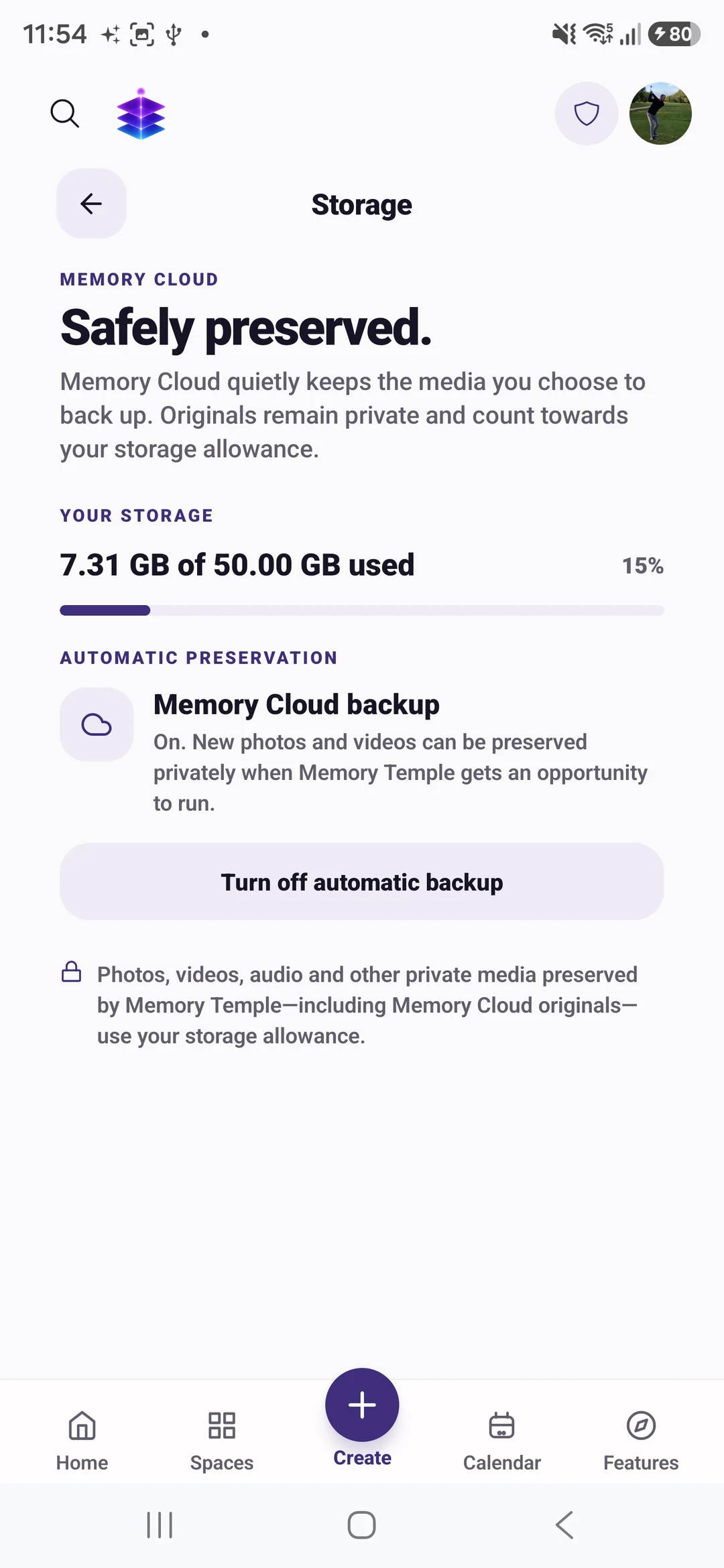
Automatic backup is available after enabling it and granting permissions. Check each relevant file’s actual status.
FROM WHAT YOU ALREADY HAVE
Use your device settings to find the problem first.
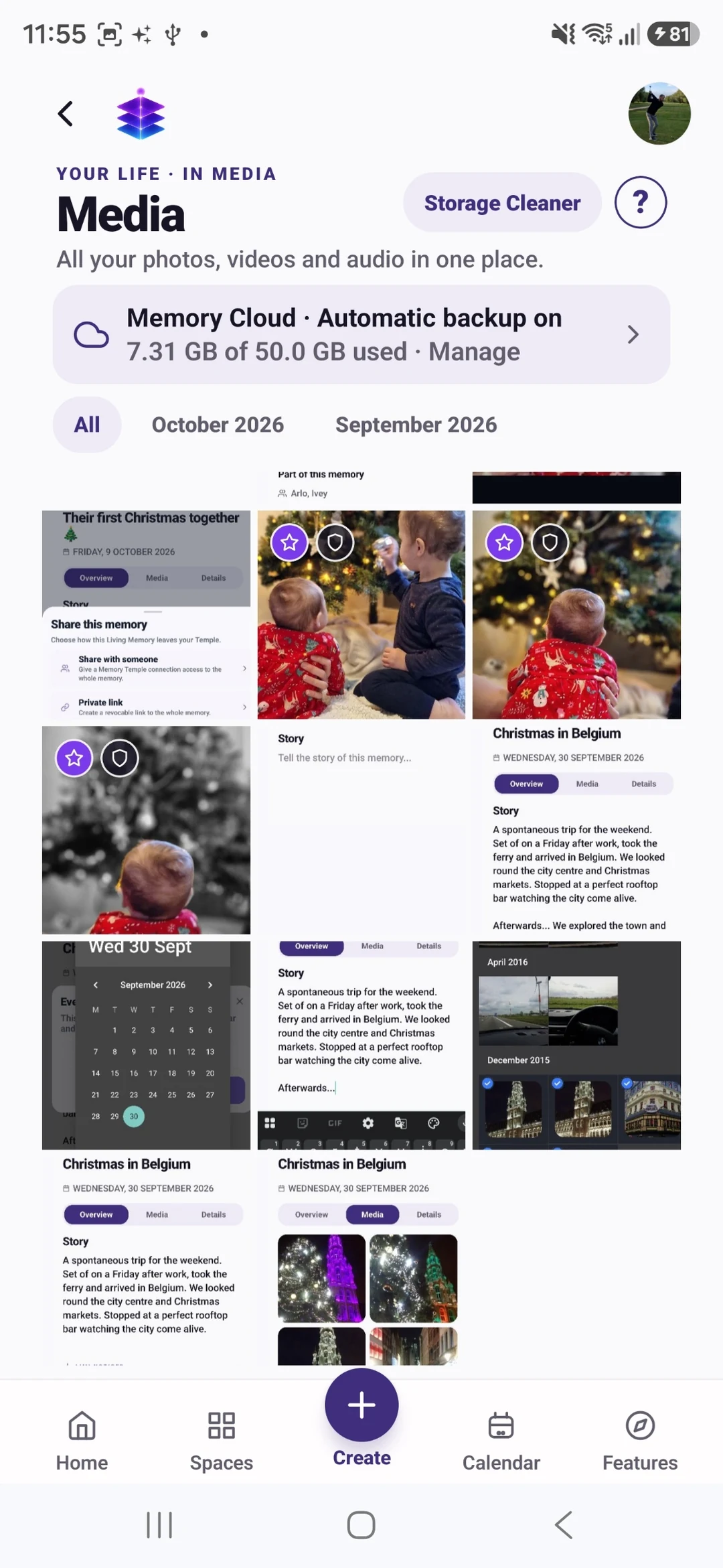
Keep a working backup of important files and their context.
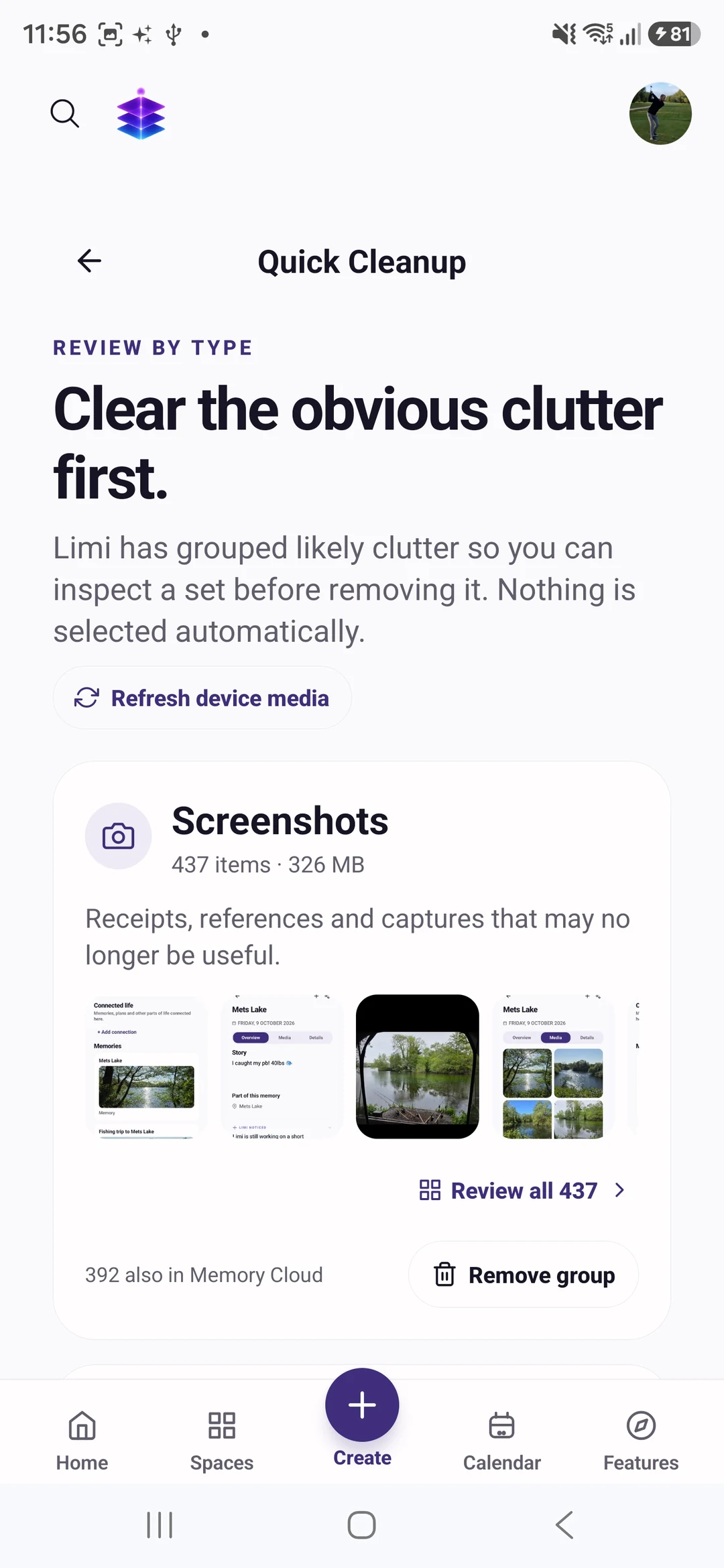
Only confirm an action after understanding its scope and checking the files.
YOUR FIRST WIN
Identify the largest storage category and make a short list of files to review.
MEMORY TEMPLE FOR ANDROIDDownload the current Free appPractical advice for a careful storage review
Storage Cleaner actions require Plus. Begin with the practical advice above and verify your backups before removing files.
CLEAR PLAN BOUNDARIES
£0
5GB Memory Cloud included
Memory Cloud backup when enabled, with 5GB included.
£7.99 / month
50GB Memory Cloud total
Premium cleanup actions are a Plus capability. Review the selected files and removal scope before confirming.
BEFORE YOU START
There is no guaranteed amount. It depends on the device and files you decide to remove.
Yes. Premium cleanup actions require Plus. The practical device-storage and backup checks above can be followed without a subscription.
Memory Cloud backup when enabled, with 5GB included. Free is £0 with 5GB Memory Cloud. Plus is £7.99 per month with 50GB total, not an extra 50GB on top of Free. Premium cleanup actions are a Plus capability. Review the selected files and removal scope before confirming. Check Pricing for the full current plan boundaries.
Memory Temple is currently available for Android through the official Google Play listing. Check that listing for device compatibility. This page does not promise an iPhone, desktop or web app.
Automatic backup requires enabling it and granting device permissions. Check upload status and available storage. Supported private media views use access controls and time-limited signed links. AI features may process eligible context through external services; check their output. Read the published Privacy Policy for details.
BEGIN WITH ONE MOMENT OR ONE PLAN
Identify the largest storage category and make a short list of files to review.
Practical advice for a careful storage review
MEMORY TEMPLE FOR ANDROIDDownload the current Free appAllow optional analytics to count page views and Google Play clicks. We use PostHog, without recording your screen or identifying you by name. About website analytics