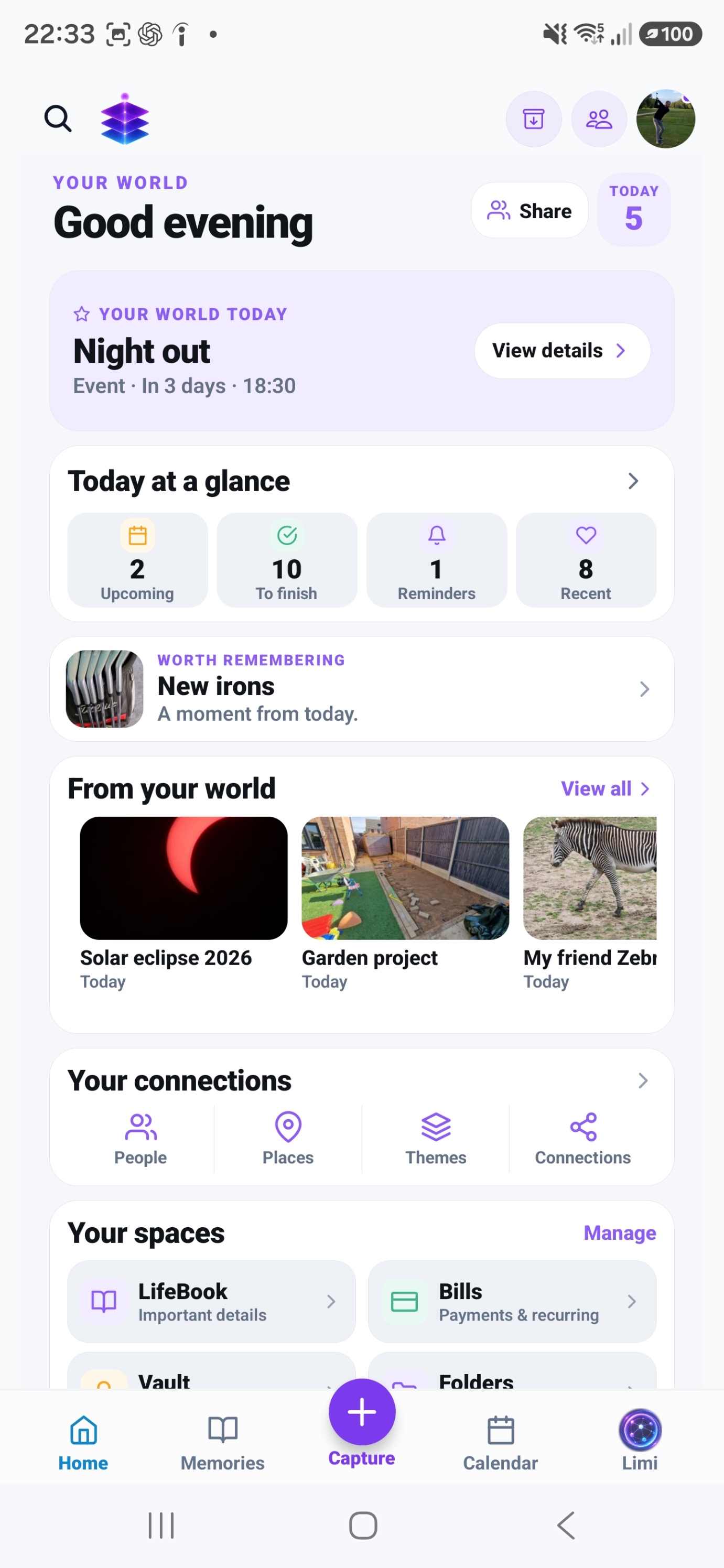
Memory Bank
Review a small batch and mark meaningful, eligible media as Keep. Use that intentionally selected media to create a Living Memory; check backup status separately.
A SMALL START. A MEANINGFUL DIFFERENCE.
Separate making sense of a photo collection from deciding what to remove.
Start with the current Free tools · no subscription required
MEMORY TEMPLE FOR ANDROIDDownload the current Free appAndroid · Free includes 5GB Memory Cloud
Start with the free practical steps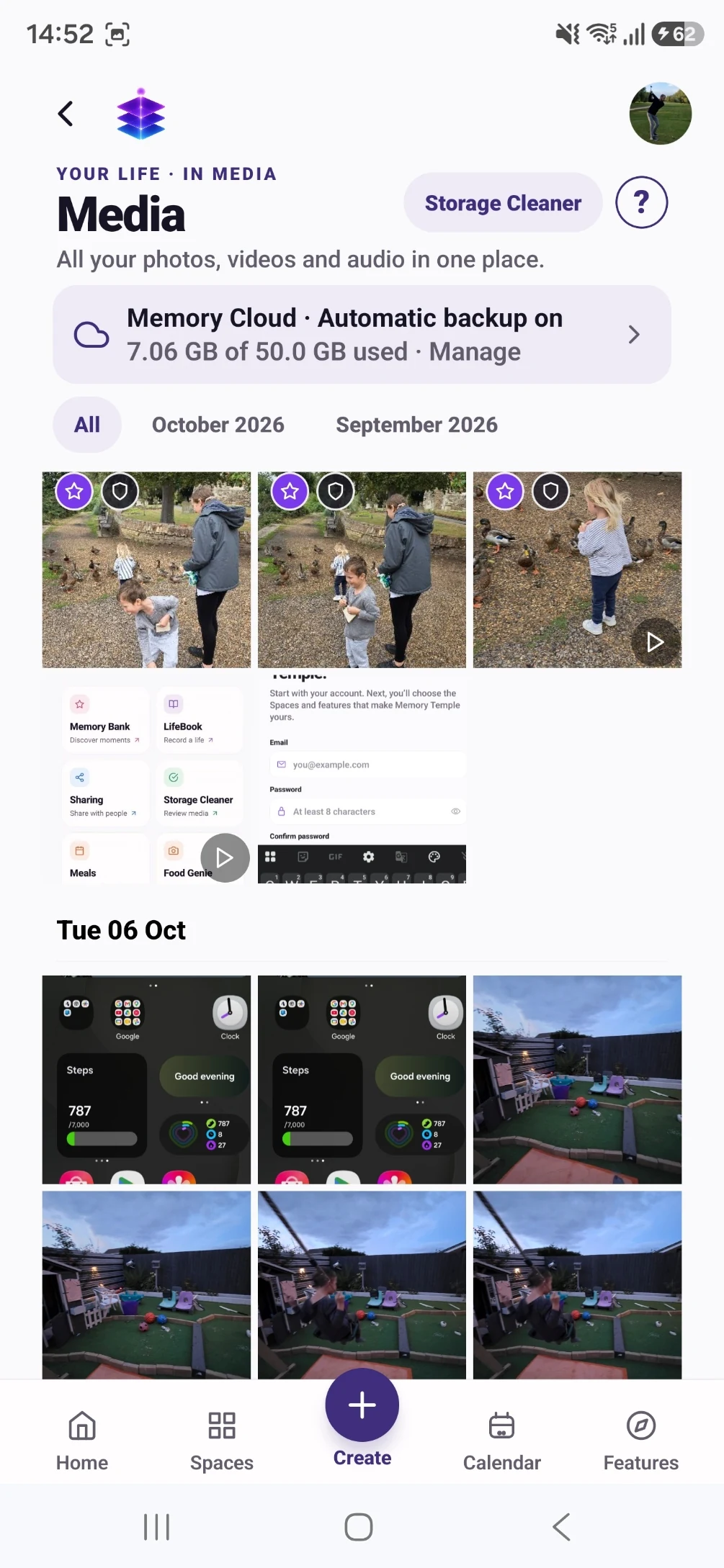
THE PROBLEM
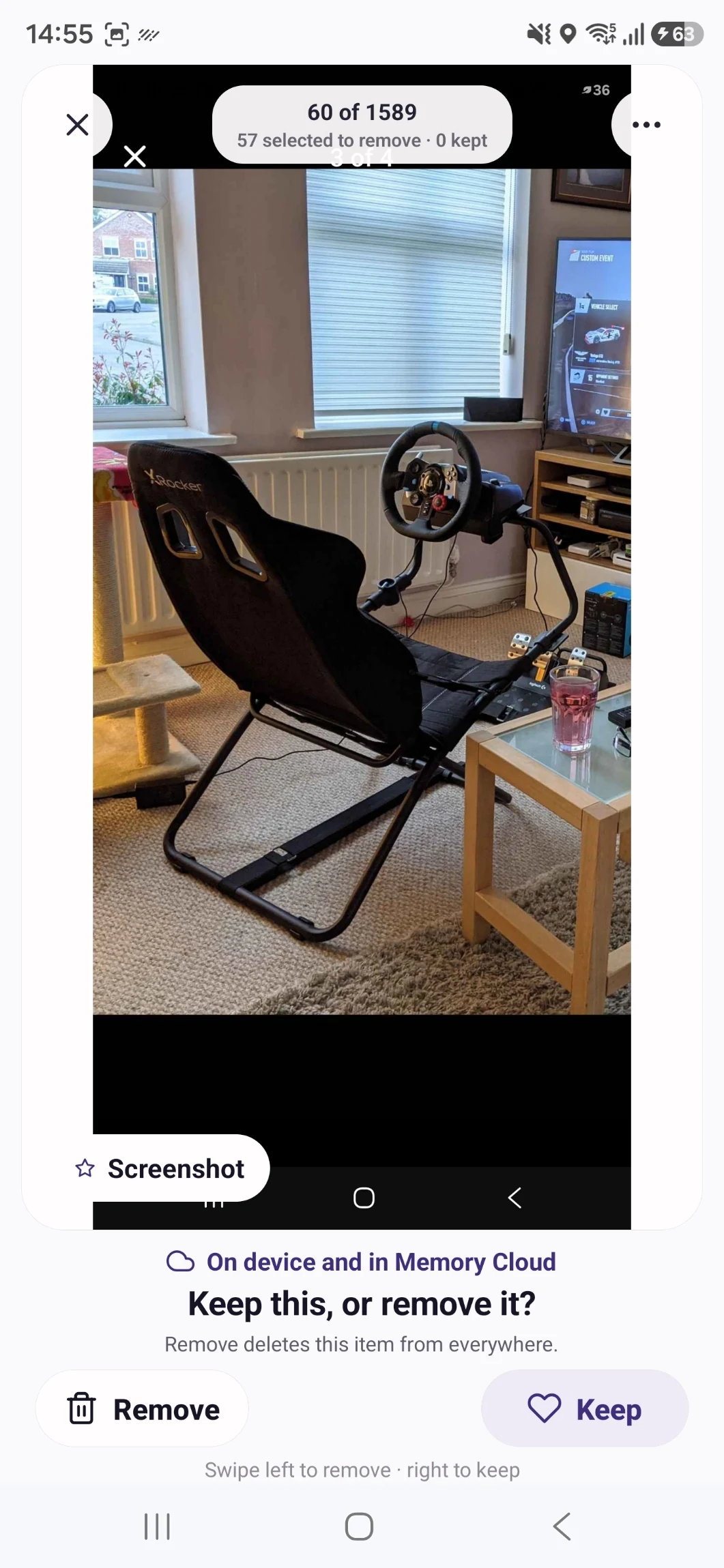
An out-of-focus image can be the only photograph of a person or a particular day. Automatic judgements about visual quality cannot tell you everything about personal value. Start by preserving the moments you care about.
USEFUL WITH OR WITHOUT THE APP
No install needed. Use these steps with the information and tools you already have.
Make a working collection without immediately deleting source files. Avoid combining organisation with a large irreversible cleanup.
Mark the only photo of a person, a meaningful message or a rare video for careful review, even if it looks imperfect.
Wait for uploads to finish and open the files from the backup. Know which account and storage location hold the copy.
Compare likely repeats side by side. If you are unsure, leave the file for a later session instead of treating a suggestion as permission to delete.
IN MEMORY TEMPLE
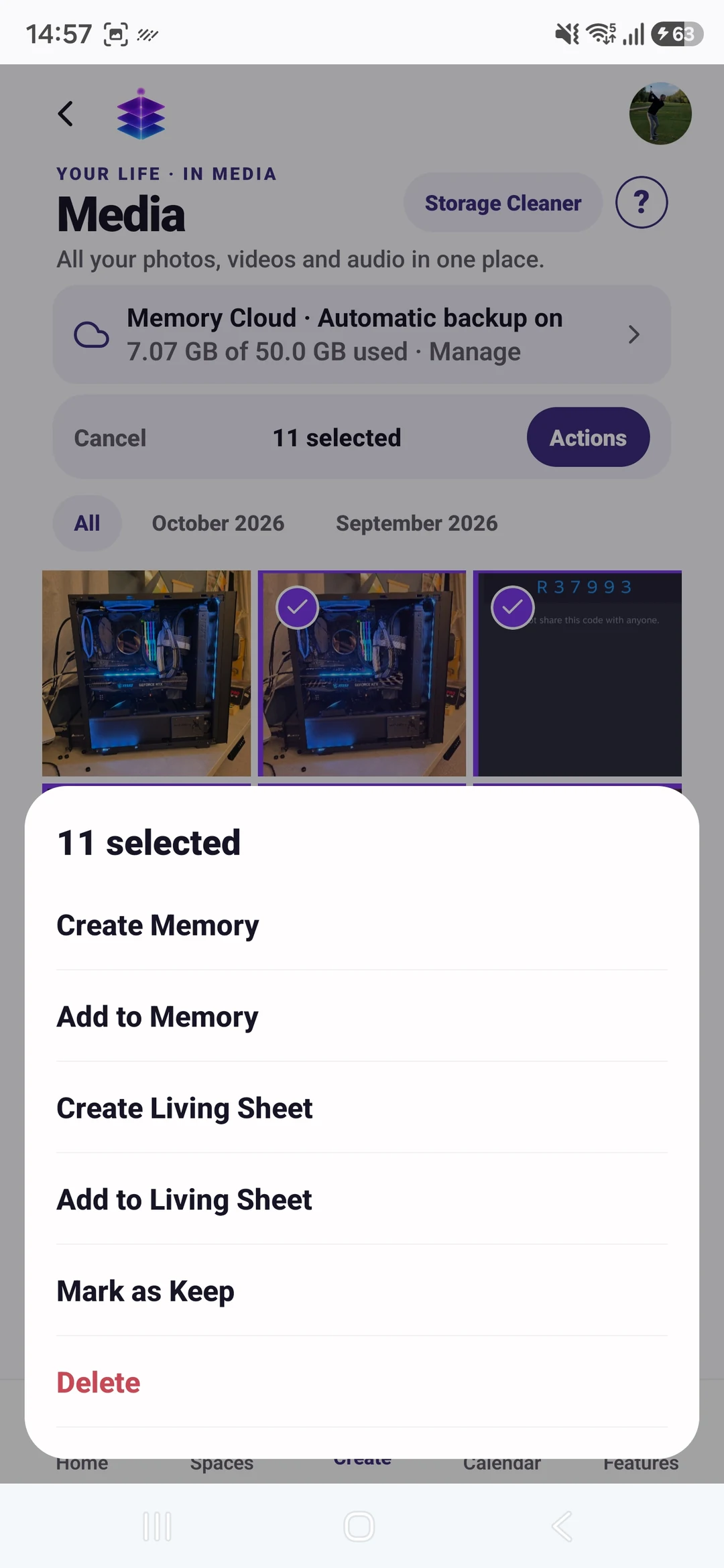
Review a small batch and mark meaningful, eligible media as Keep. Use that intentionally selected media to create a Living Memory; check backup status separately.
Keep stories, people and places beside important media before considering cleanup.
Memory Cloud automatic backup requires enabling it and granting permissions. Storage limits and upload status still matter.
FROM WHAT YOU ALREADY HAVE
Begin with an event whose importance you understand.
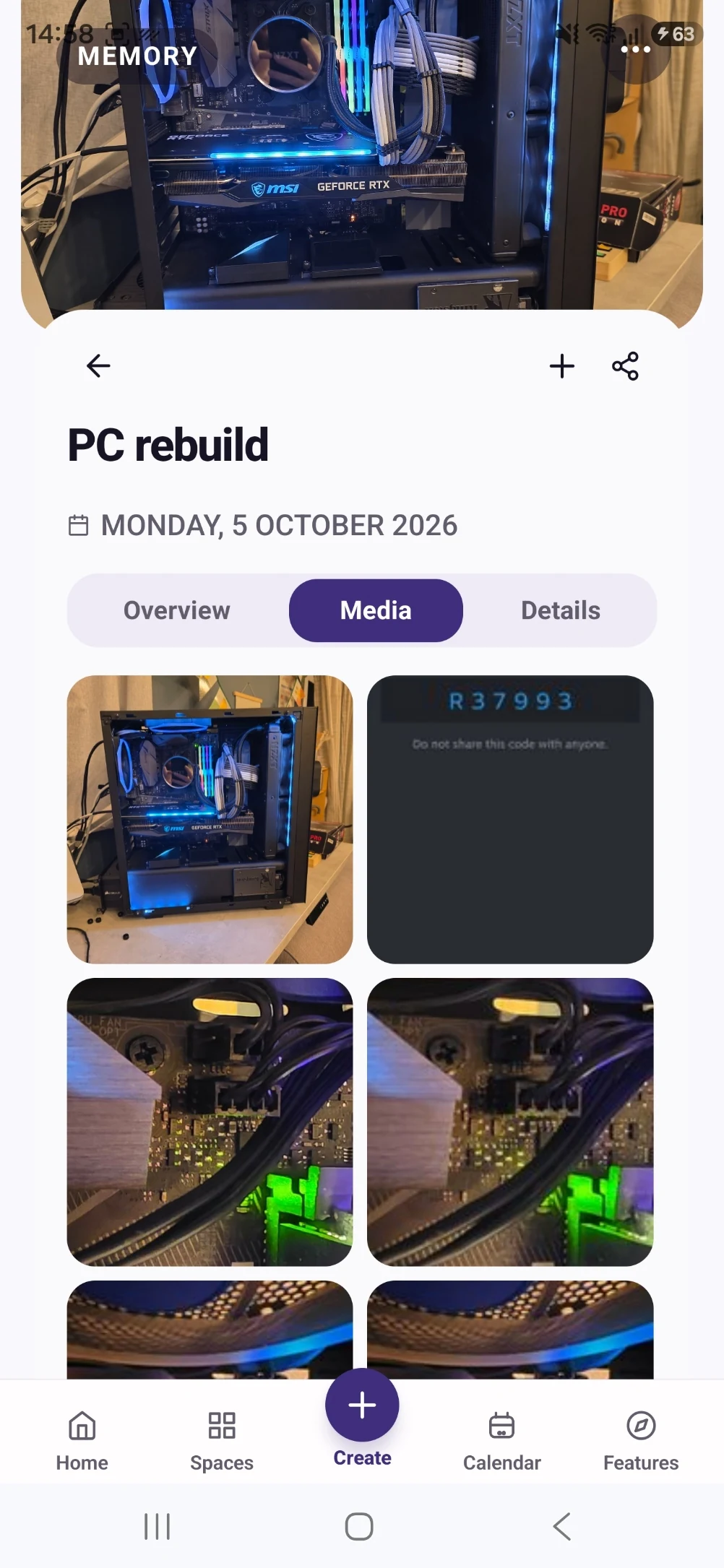
Create a memory and verify backup status for important media.
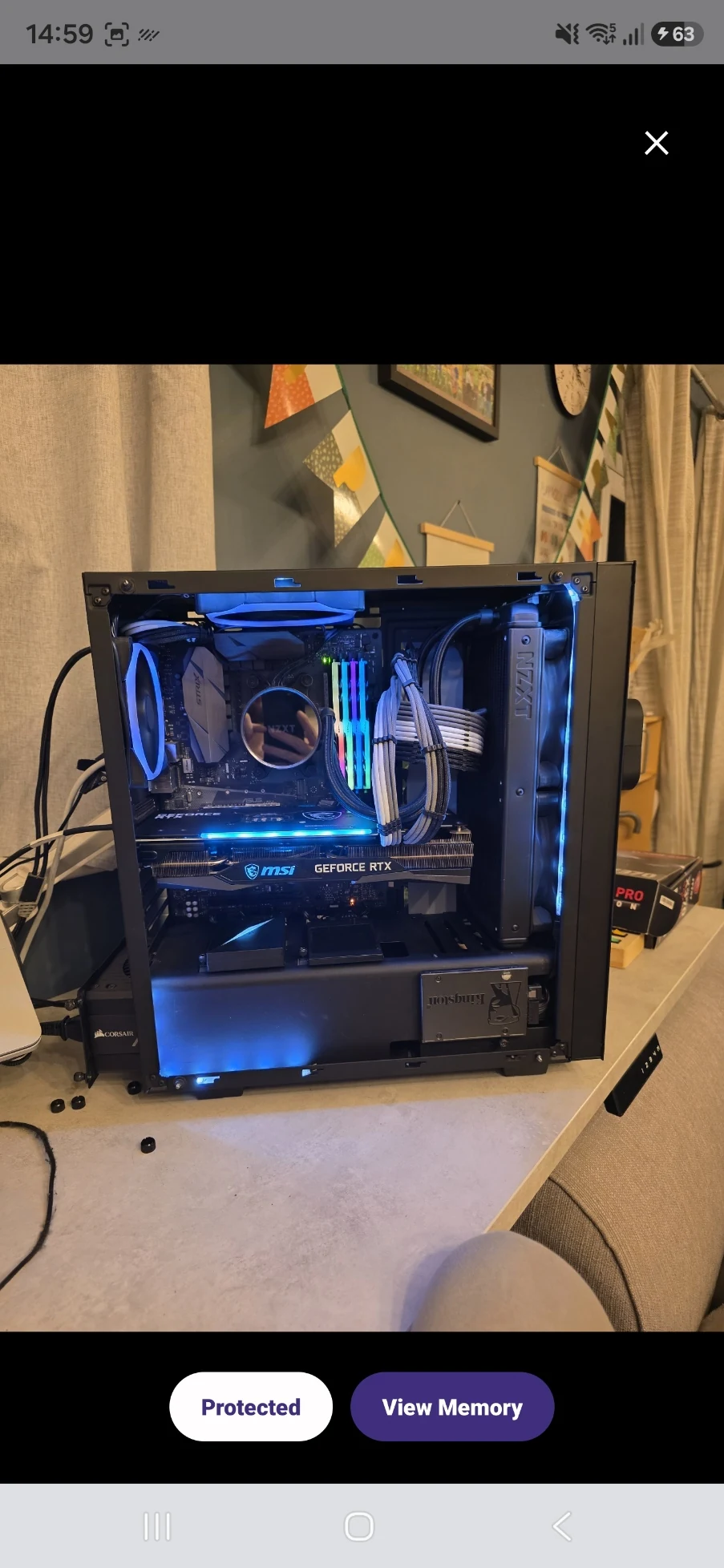
Review any device removal later, with the confirmation and recovery options in view.
YOUR FIRST WIN
Create one manually organised memory while retaining its original media. You do not need to delete anything to make progress.
MEMORY TEMPLE FOR ANDROIDDownload the current Free appStart with the current Free tools · no subscription required
Begin with the Free tools described here. Choose Plus if you need its specific premium capabilities.
CLEAR PLAN BOUNDARIES
£0
5GB Memory Cloud included
Import selected media, manually create memories and enable backup within the included storage.
£7.99 / month
50GB Memory Cloud total
Premium cleanup actions, subject to the current Cleaner release limitations. Organisation itself does not require a cleanup purchase.
BEFORE YOU START
No. Check the actual status and open the backed-up file. Do not infer successful preservation from a setting or icon alone.
No. Memory Temple uses access controls and supported signed links. Read the published Privacy Policy rather than assuming an encryption guarantee.
Import selected media, manually create memories and enable backup within the included storage. Free is £0 with 5GB Memory Cloud. Plus is £7.99 per month with 50GB total, not an extra 50GB on top of Free. Premium cleanup actions, subject to the current Cleaner release limitations. Organisation itself does not require a cleanup purchase. Check Pricing for the full current plan boundaries.
Memory Temple is currently available for Android through the official Google Play listing. Check that listing for device compatibility. This page does not promise an iPhone, desktop or web app.
Automatic backup requires enabling it and granting device permissions. Check upload status and available storage. Supported private media views use access controls and time-limited signed links. AI features may process eligible context through external services; check their output. Read the published Privacy Policy for details.
BEGIN WITH ONE MOMENT OR ONE PLAN
Create one manually organised memory while retaining its original media. You do not need to delete anything to make progress.
Start with the current Free tools · no subscription required
MEMORY TEMPLE FOR ANDROIDDownload the current Free appAllow optional analytics to count page views and Google Play clicks. We use PostHog, without recording your screen or identifying you by name. About website analytics