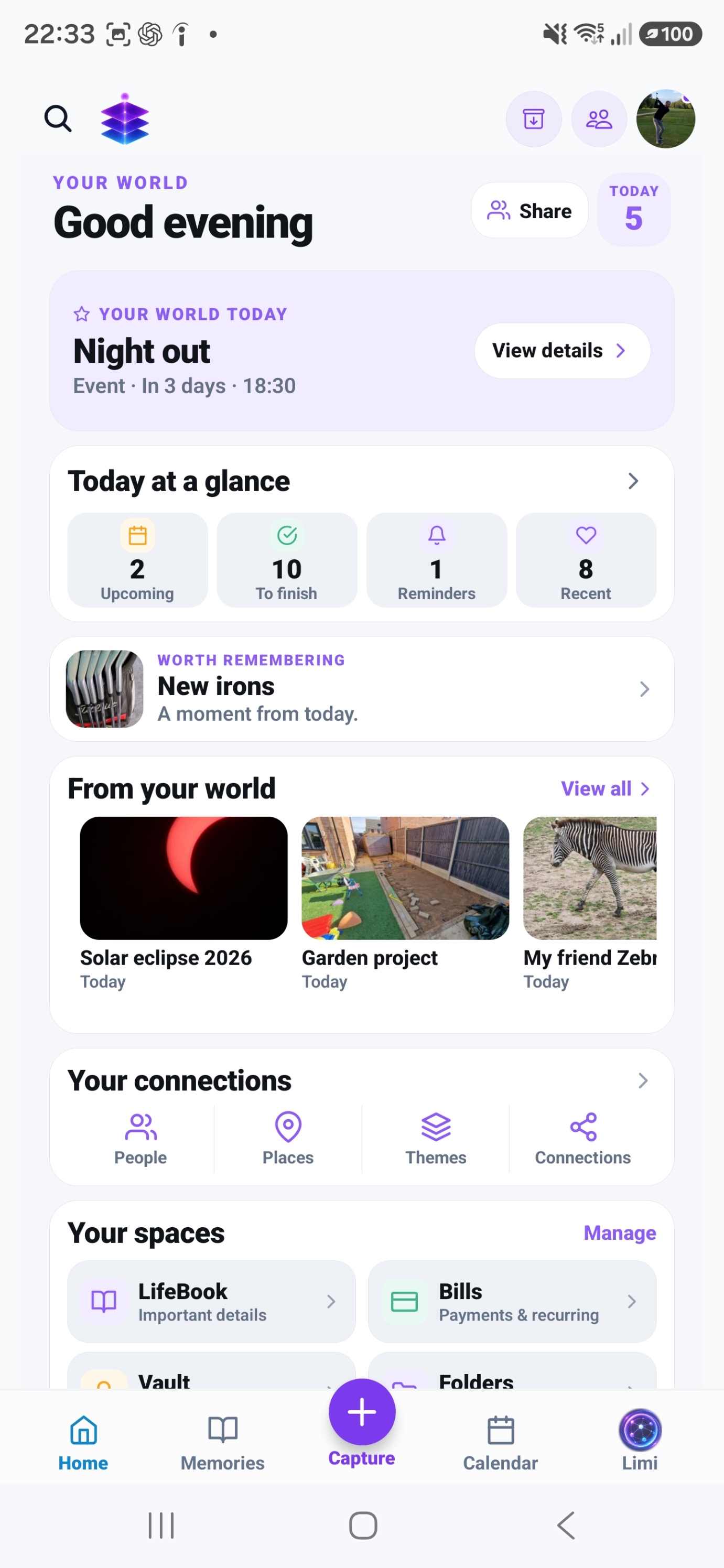
Memory Bank
Import the photos, videos and audio you want to work with. Review a small batch and mark eligible media as Keep to choose the meaningful items you want to organise.
A SMALL START. A MEANINGFUL DIFFERENCE.
Start with one day you care about. Turn a scattered group of photos into a memory you can find and understand later.
Start with the current Free tools · no subscription required
MEMORY TEMPLE FOR ANDROIDDownload the current Free appAndroid · Free includes 5GB Memory Cloud
Start with the free practical steps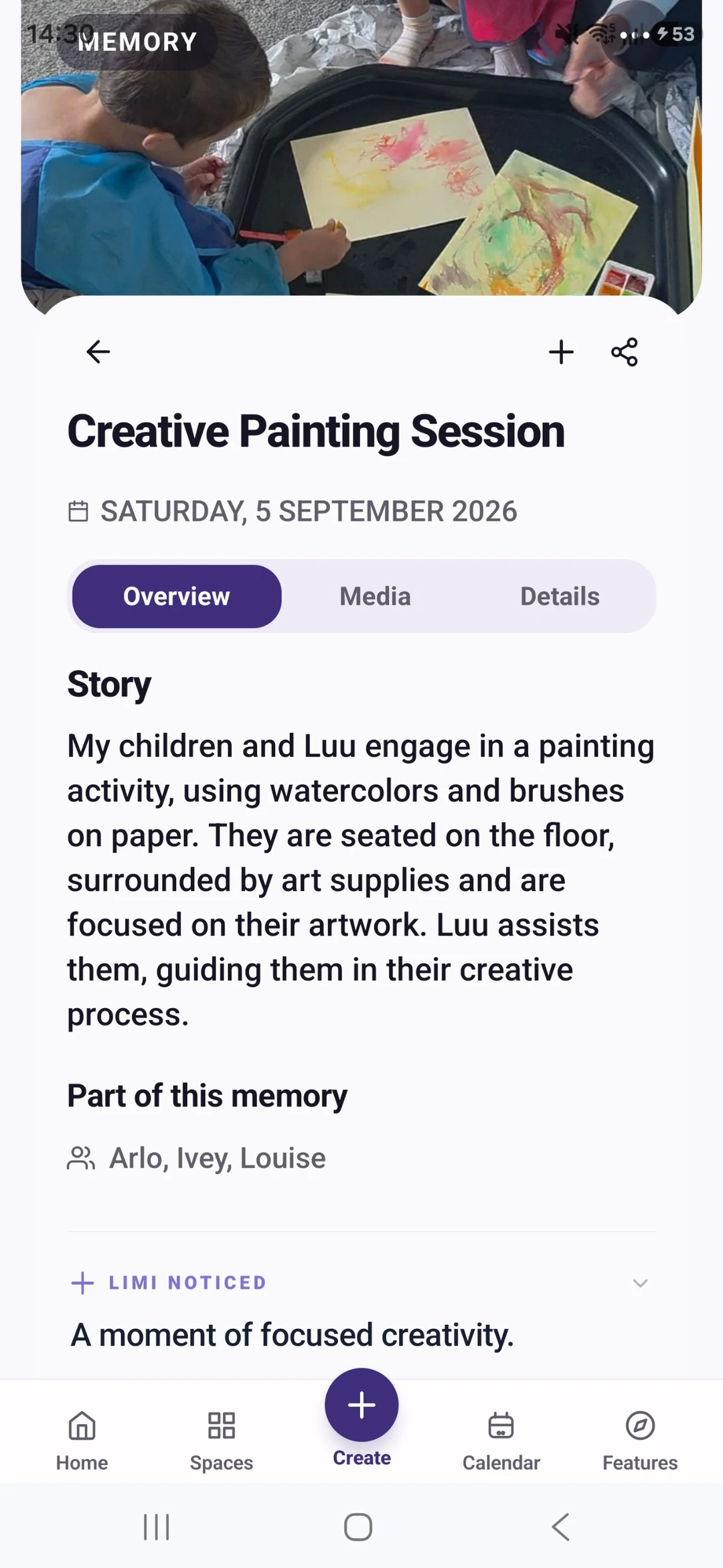
THE PROBLEM
You have plenty of photos, but finding the right ones means scrolling through screenshots, repeats and years of everyday life. Sorting everything in one sitting is a difficult place to start. A small collection with a clear purpose is much easier to finish.
USEFUL WITH OR WITHOUT THE APP
No install needed. Use these steps with the information and tools you already have.
Pick a birthday, day out or family visit. Use its approximate date to narrow the camera roll. Leave the rest for another session; the goal is a finished collection rather than an empty phone.
Include an arrival, an activity and a small detail you would otherwise forget. A less polished photo can still carry an important part of the story. Keep original files while you organise.
Record who was there, where you were and why the day mattered. If the date is uncertain, say so. Ask someone who attended rather than filling the gaps with a guess.
Give the collection a recognisable title and repeat the process for another event. Avoid starting with hundreds of new folders or a complicated naming system you will struggle to maintain.
IN MEMORY TEMPLE
Import the photos, videos and audio you want to work with. Review a small batch and mark eligible media as Keep to choose the meaningful items you want to organise.
Keep related media with a story, date and the people and places that make it meaningful.
Review suggested groupings and details rather than writing from a blank page. Keeping a Prepared Memory currently requires Plus.
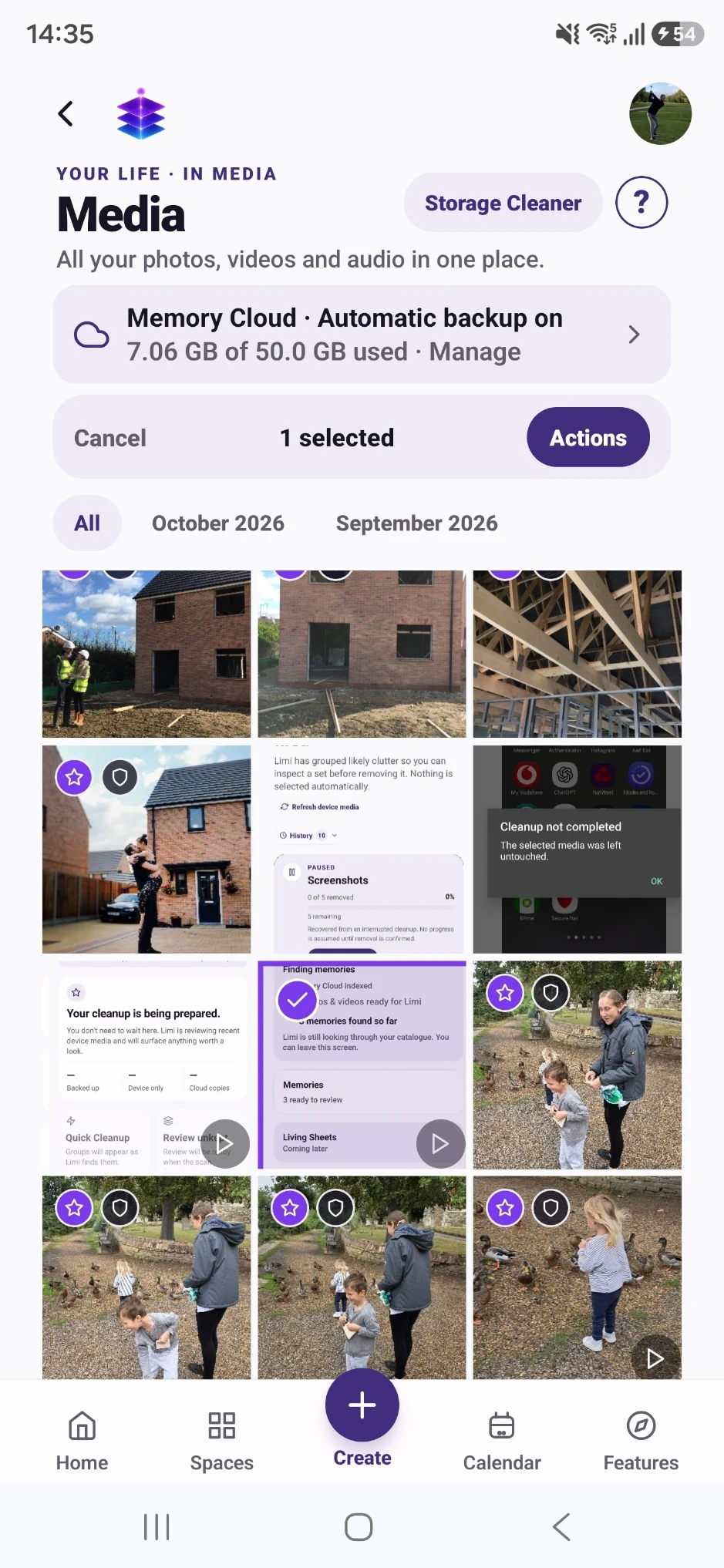
FROM WHAT YOU ALREADY HAVE
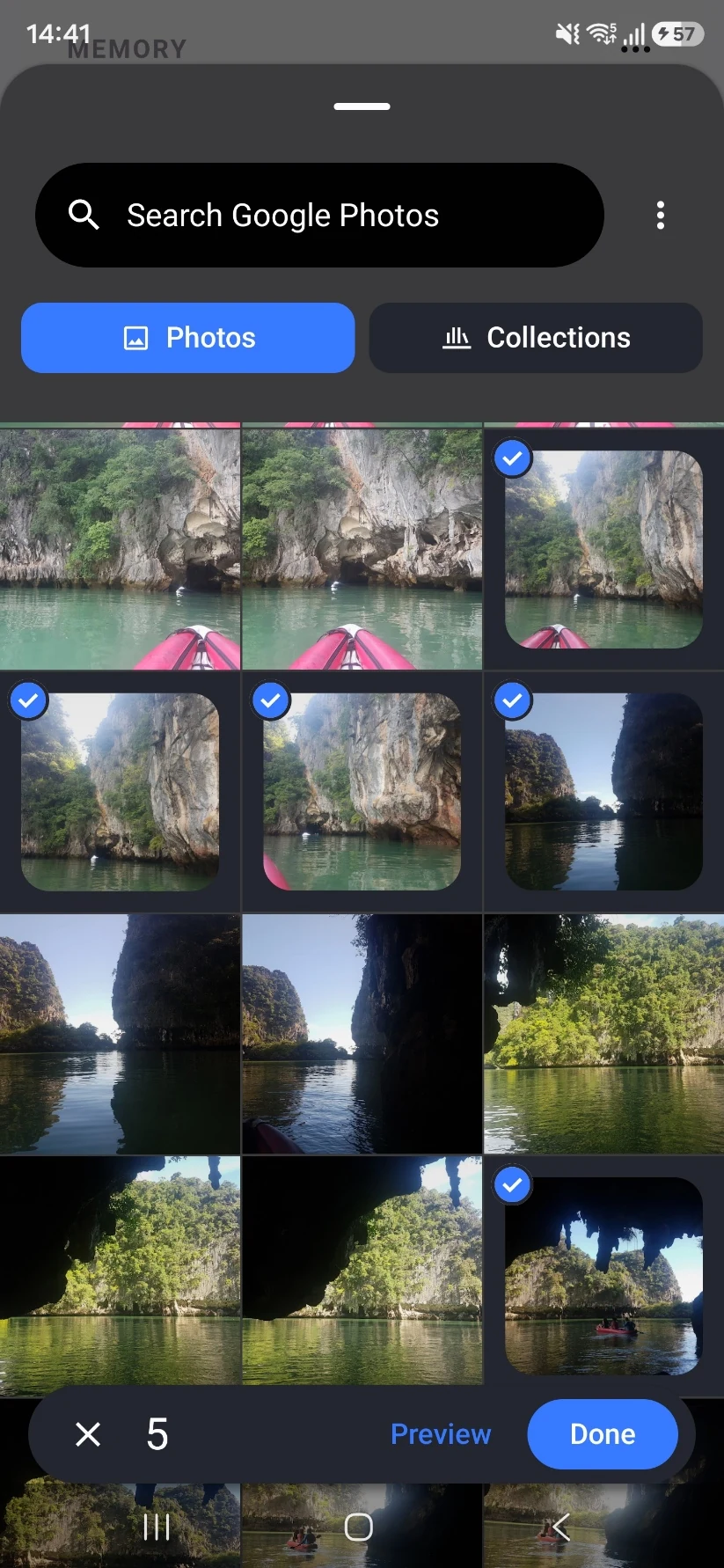
Choose a small group of existing photos or videos and import them into Memory Bank.
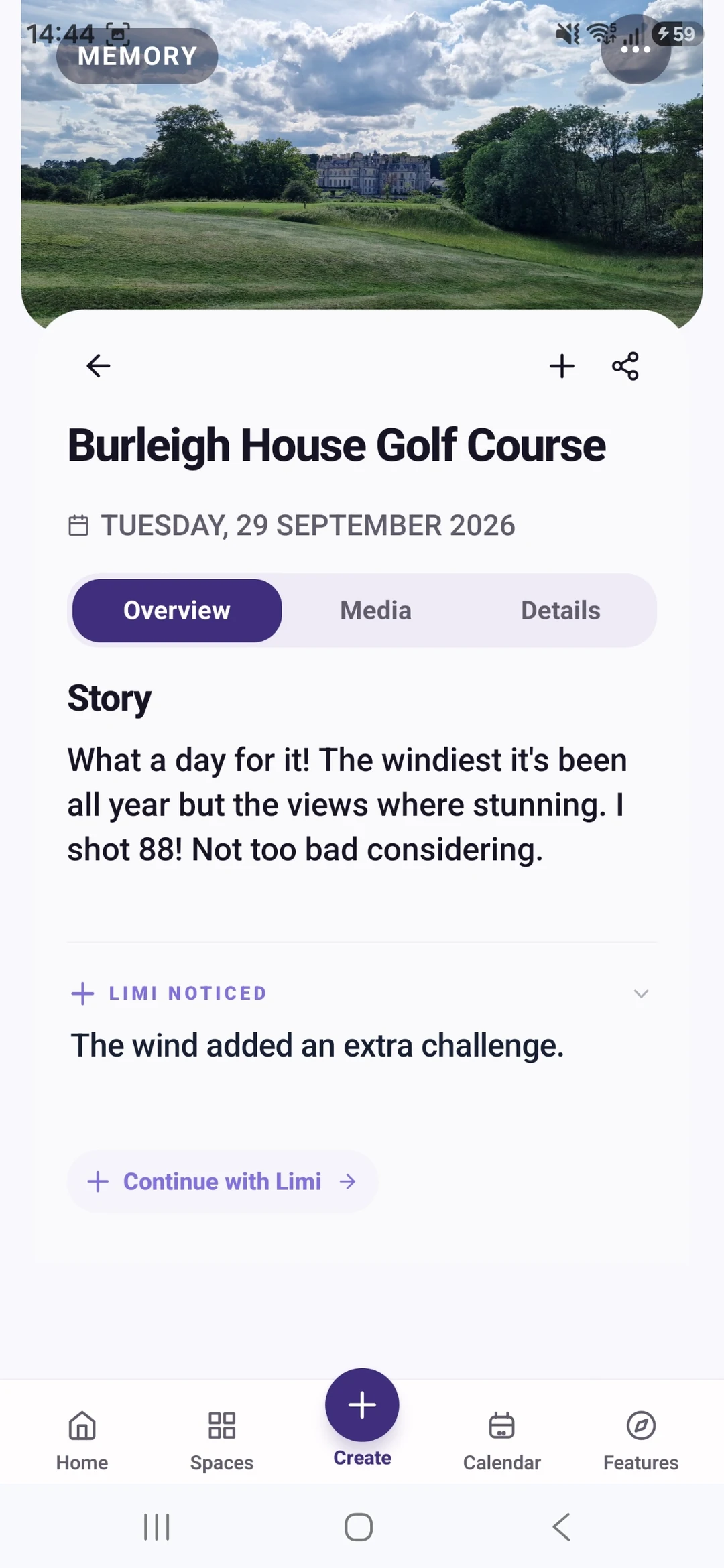
Create a memory, add your own story and connect the relevant people and place. Check any AI suggestions.
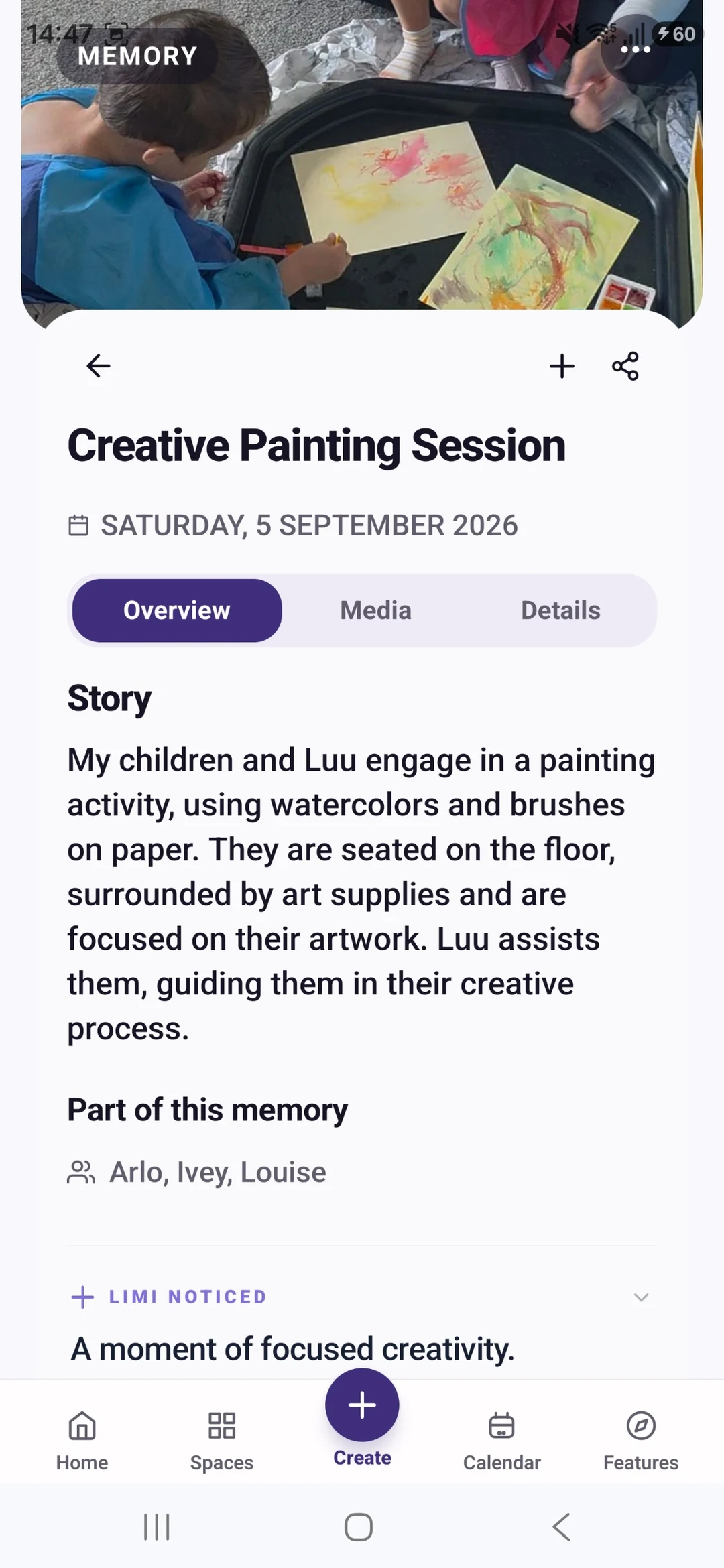
Give the memory a title you recognise. Return to it before starting the next event.
YOUR FIRST WIN
Finish one manually created memory of a recent family day: a small set of photos, a short story and the people who were there. You can do that with the current Free app.
MEMORY TEMPLE FOR ANDROIDDownload the current Free appStart with the current Free tools · no subscription required
Begin with the Free tools described here. Choose Plus if you need its specific premium capabilities.
CLEAR PLAN BOUNDARIES
£0
5GB Memory Cloud included
Import media, create memories manually and connect people and places. Limi is currently included in Free.
£7.99 / month
50GB Memory Cloud total
Keep or create reviewed Prepared Memories and use premium cleanup actions when available.
BEFORE YOU START
No. Begin with the media for one event. Automatic whole-library backup is a separate choice that requires enabling it and granting the relevant permissions.
Organisation and deletion are different actions. Do not remove device files just because you have grouped them. Check the actual backup status and removal confirmation first.
Import media, create memories manually and connect people and places. Limi is currently included in Free. Free is £0 with 5GB Memory Cloud. Plus is £7.99 per month with 50GB total, not an extra 50GB on top of Free. Keep or create reviewed Prepared Memories and use premium cleanup actions when available. Check Pricing for the full current plan boundaries.
Memory Temple is currently available for Android through the official Google Play listing. Check that listing for device compatibility. This page does not promise an iPhone, desktop or web app.
Automatic backup requires enabling it and granting device permissions. Check upload status and available storage. Supported private media views use access controls and time-limited signed links. AI features may process eligible context through external services; check their output. Read the published Privacy Policy for details.
BEGIN WITH ONE MOMENT OR ONE PLAN
Finish one manually created memory of a recent family day: a small set of photos, a short story and the people who were there. You can do that with the current Free app.
Start with the current Free tools · no subscription required
MEMORY TEMPLE FOR ANDROIDDownload the current Free appAllow optional analytics to count page views and Google Play clicks. We use PostHog, without recording your screen or identifying you by name. About website analytics