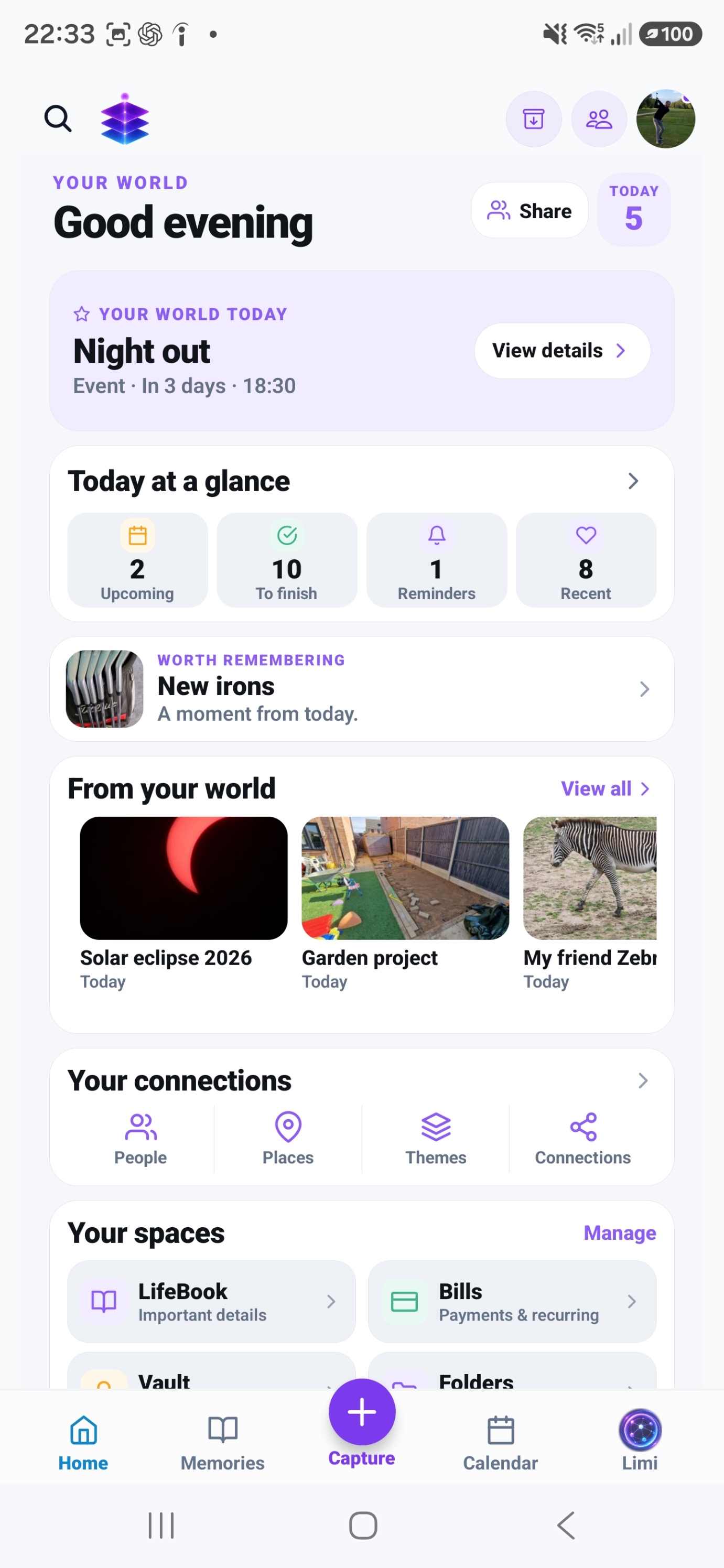
Media and story together
Create a memory using photos, videos and audio with the context you choose to add.
A SMALL START. A MEANINGFUL DIFFERENCE.
Keep what happened, who was there and why it mattered alongside the pictures you already have.
Start with the current Free tools · no subscription required
MEMORY TEMPLE FOR ANDROIDDownload the current Free appAndroid · Free includes 5GB Memory Cloud
Start with the free practical steps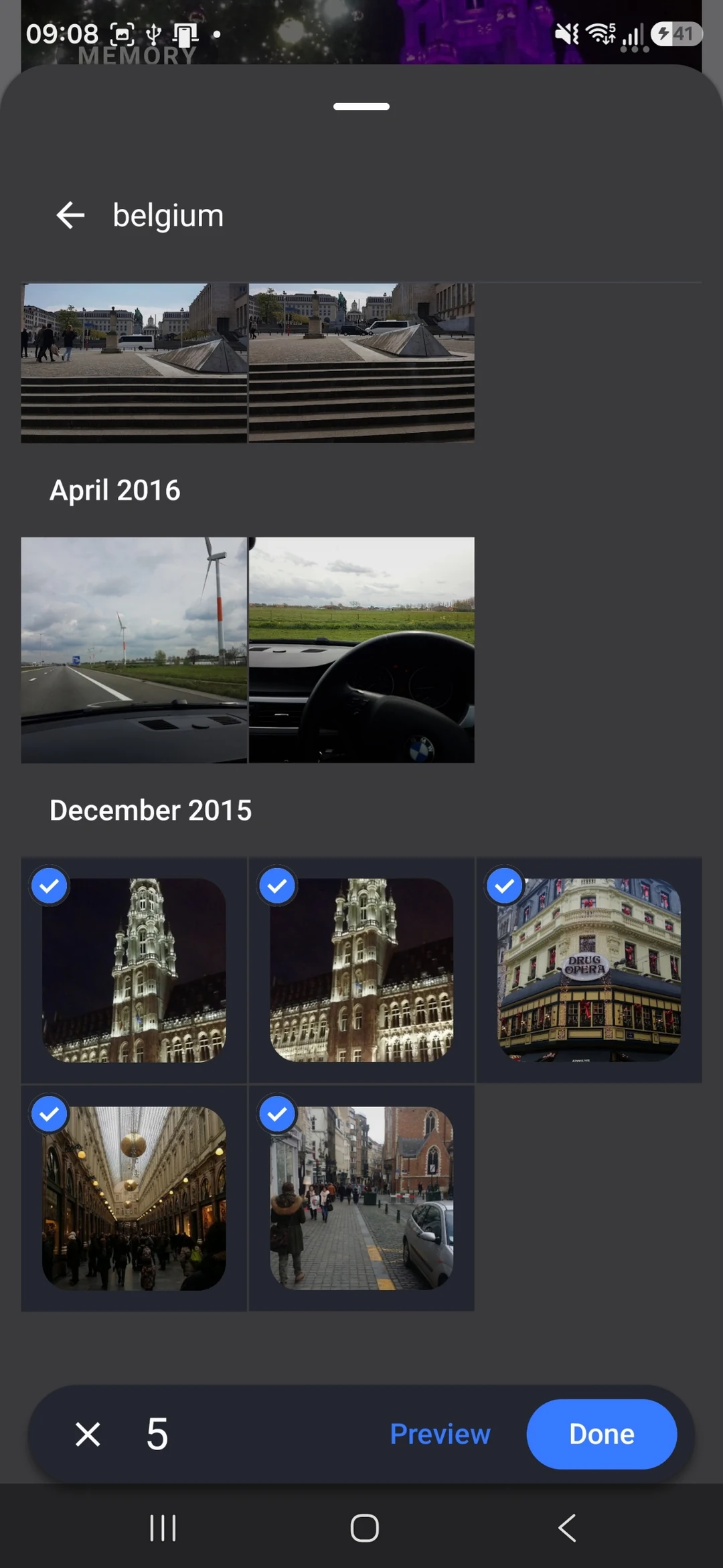
THE PROBLEM
A group of images captures the scene, but the words can be harder to begin. You may not want a polished essay. Often a title and a few honest sentences are enough to preserve the experience.
USEFUL WITH OR WITHOUT THE APP
No install needed. Use these steps with the information and tools you already have.
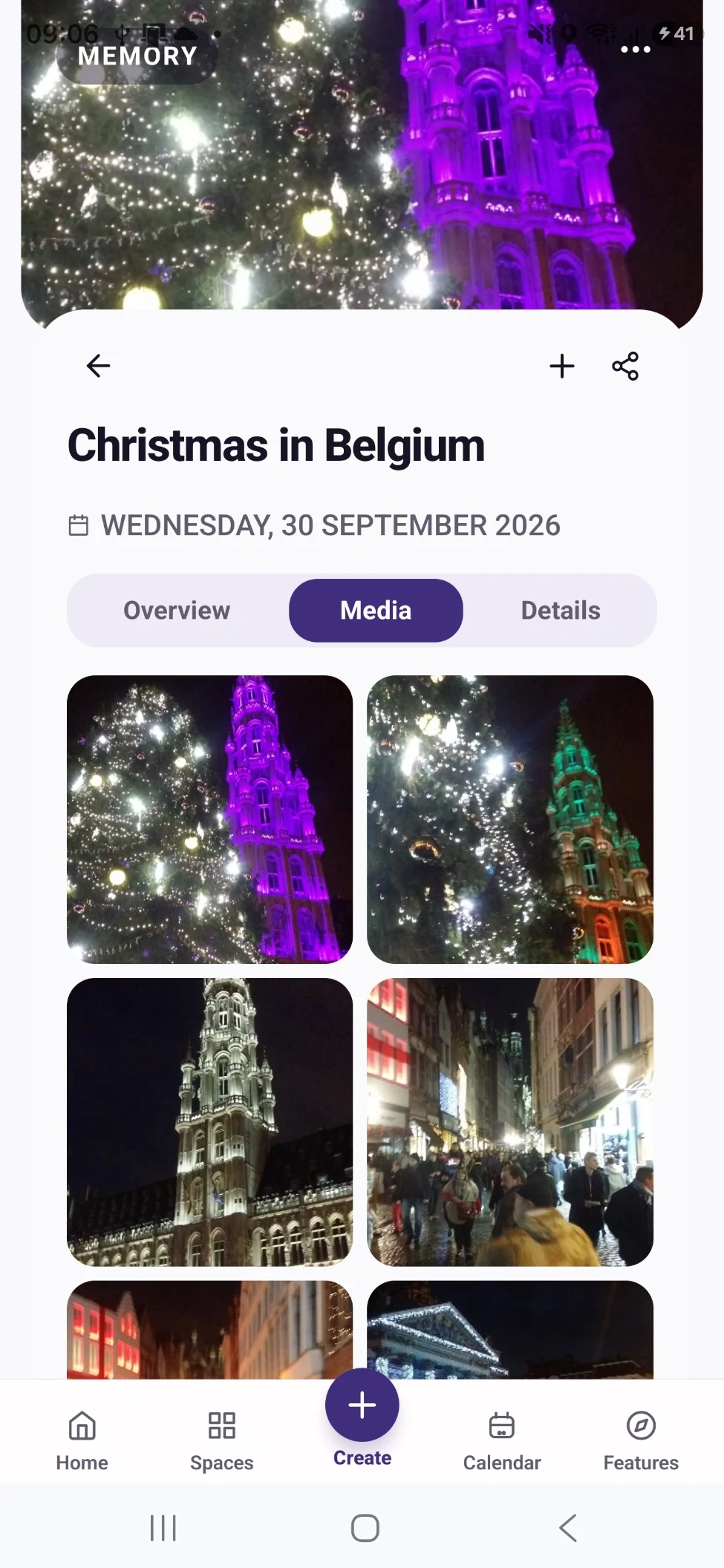
Select an image that sets the scene, one that shows what happened and one small detail. You can keep more media, but a simple starting group makes the story easier to see.
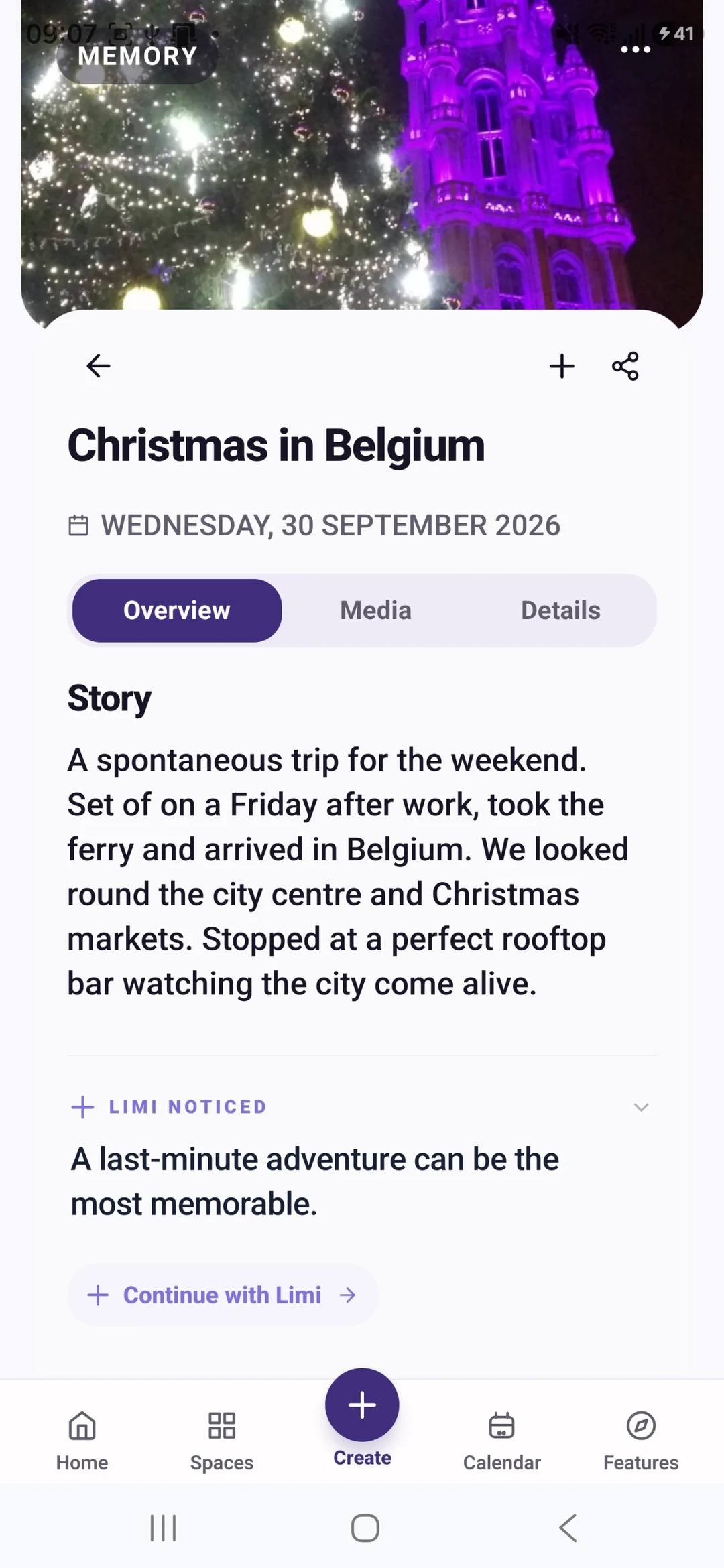
Write: “We were at __ with __. The thing I want to remember is __.” Add a quotation, a surprise or a reason the moment mattered if you know it.
A picture can show a painting session. It cannot prove what a child said or how everyone felt. Add those details from your own knowledge, not from an AI guess.
Check names, dates, tone and media selection. Remove details you do not want others to see. Your memory should sound like your experience.
IN MEMORY TEMPLE
Create a memory using photos, videos and audio with the context you choose to add.
Limi can help with supported memory tasks. Use its draft as a starting point, then check and edit it.
Review proposed groups of related media and their story. Keeping or creating these suggestions currently requires Plus.
FROM WHAT YOU ALREADY HAVE
Bring a small set of related files into Memory Bank.
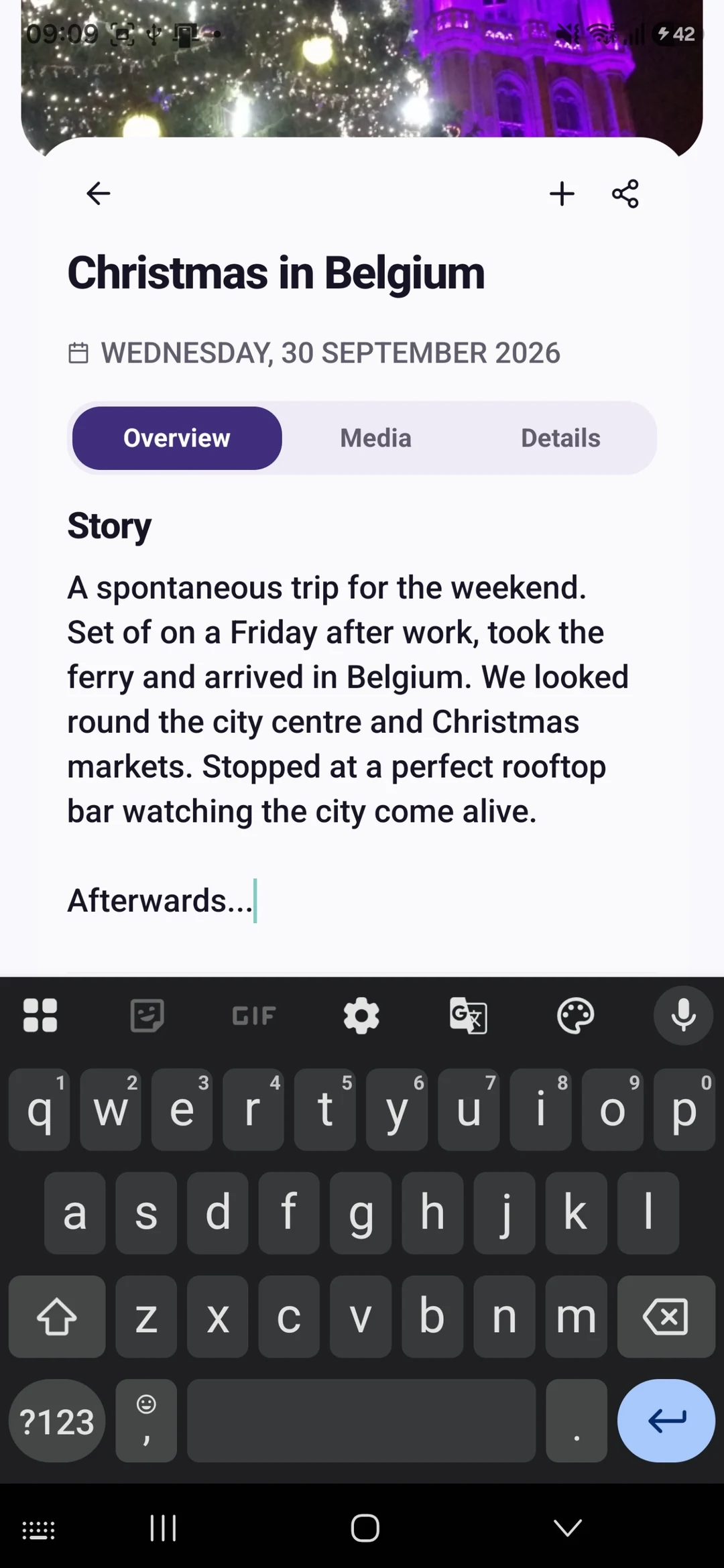
Add your own context or review eligible AI assistance. Correct any details it gets wrong.
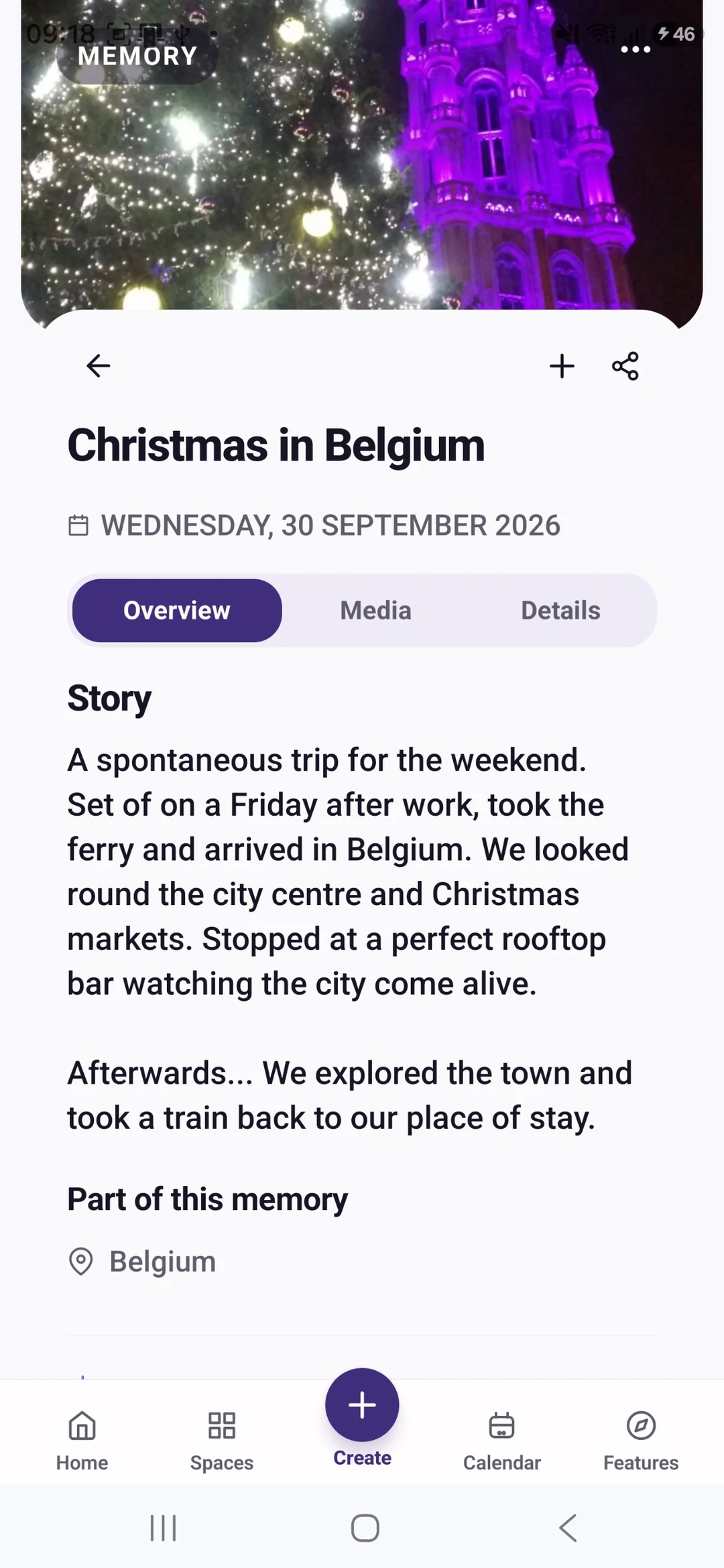
Save the reviewed result with its title, date, People and Place.
YOUR FIRST WIN
Turn one recent outing into a manually created memory with three meaningful images and a short story in your own words.
MEMORY TEMPLE FOR ANDROIDDownload the current Free appStart with the current Free tools · no subscription required
Begin with the Free tools described here. Choose Plus if you need its specific premium capabilities.
CLEAR PLAN BOUNDARIES
£0
5GB Memory Cloud included
Manual memory creation and Limi are currently included in Free.
£7.99 / month
50GB Memory Cloud total
Keep or create reviewed Prepared Memories.
BEFORE YOU START
Review and change suggested details before keeping the result. Do not treat an AI draft as a verified account of what happened.
Yes. Start with manual memory creation in Free. Keeping reviewed Prepared Memories requires Plus.
Manual memory creation and Limi are currently included in Free. Free is £0 with 5GB Memory Cloud. Plus is £7.99 per month with 50GB total, not an extra 50GB on top of Free. Keep or create reviewed Prepared Memories. Check Pricing for the full current plan boundaries.
Memory Temple is currently available for Android through the official Google Play listing. Check that listing for device compatibility. This page does not promise an iPhone, desktop or web app.
Automatic backup requires enabling it and granting device permissions. Check upload status and available storage. Supported private media views use access controls and time-limited signed links. AI features may process eligible context through external services; check their output. Read the published Privacy Policy for details.
BEGIN WITH ONE MOMENT OR ONE PLAN
Turn one recent outing into a manually created memory with three meaningful images and a short story in your own words.
Start with the current Free tools · no subscription required
MEMORY TEMPLE FOR ANDROIDDownload the current Free appAllow optional analytics to count page views and Google Play clicks. We use PostHog, without recording your screen or identifying you by name. About website analytics